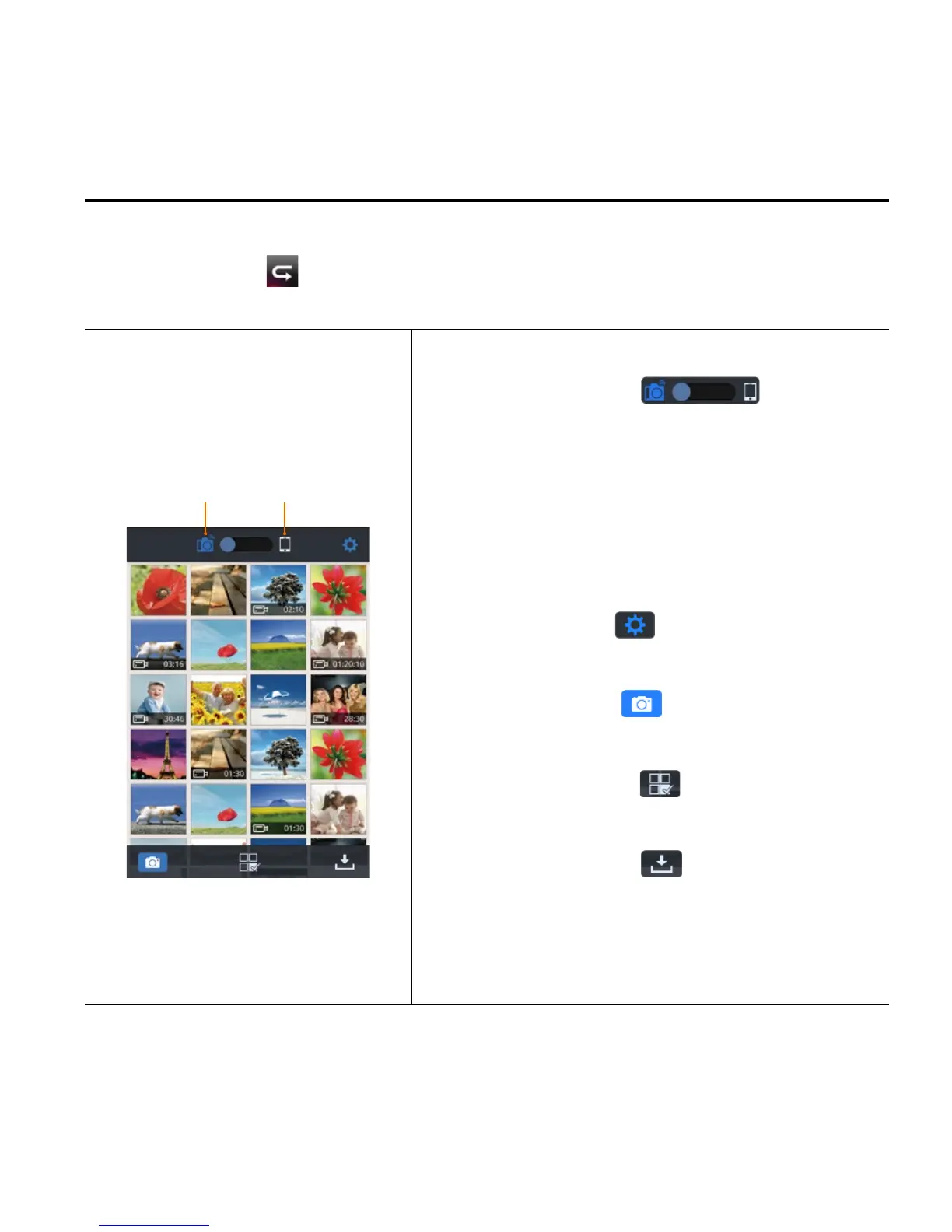
Fig. 6 Playback Interface
Slide the icon " ". If you
select "Camera Storage", you can
replay the files stored on the camera.
If you select "Mobile Device Storage",
you can replay the files downloaded
from the camera to the mobile device.
Click the icon " " to enter the App
settings interface.
Click the icon " " to return to the
WiFi control interface.
Click the icon "
" to enter File
selecting.
Click the icon "
" to download
media files from the camera to your
mobile device.



 To Next Page