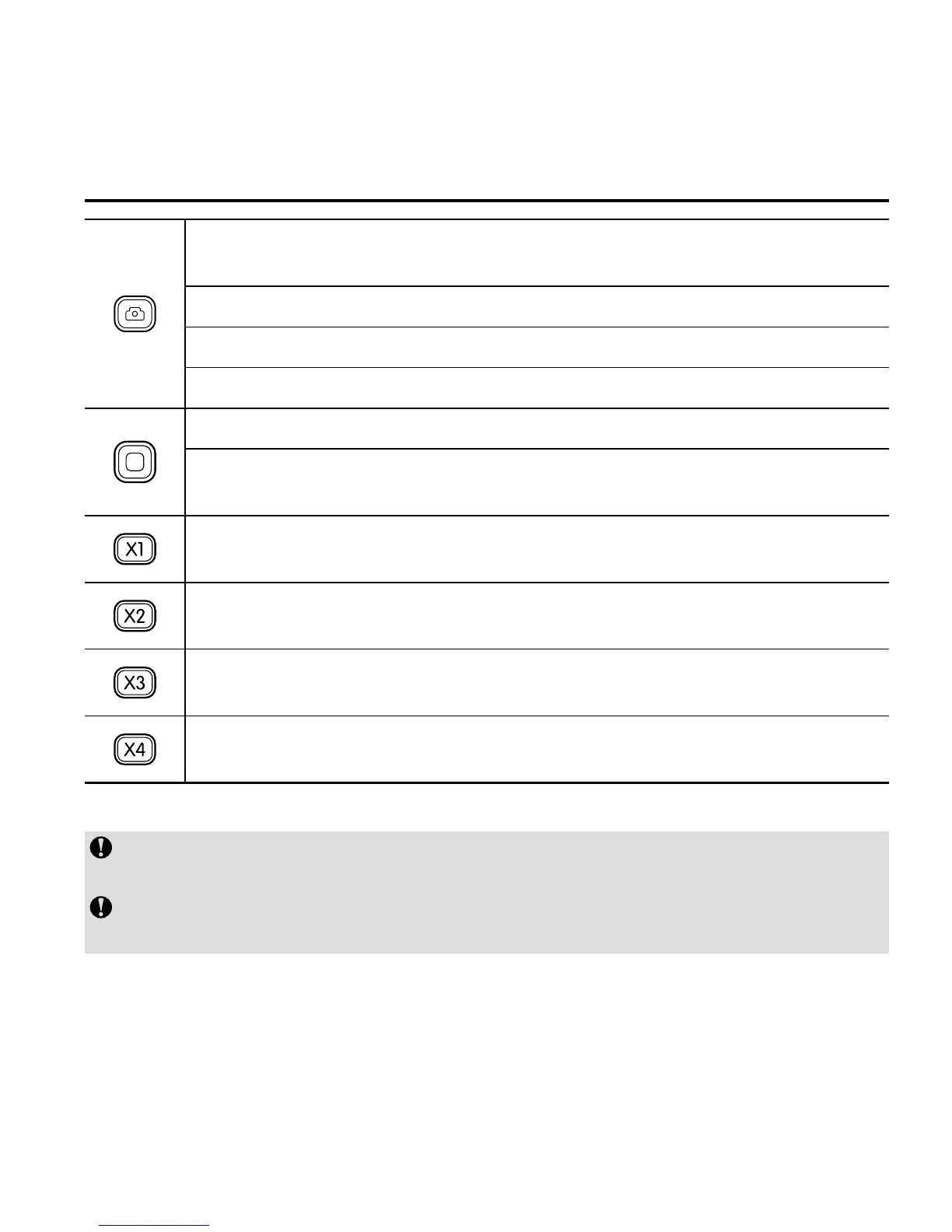
Under the video recording mode, press it once to switch the current
mode to the photographing mode.
Under photographing mode, press it once to take a photo.
Long press it for about 2s to enter the mode selection state.
Select your desired mode, and press it to enter.
During video recording, press it to stop video recording.
After entering the mode selection state, press it to select the option
downwards.
Press it once to switch the viewing angle of the camera to wide
angle.
Press it once to switch the viewing angle of the camera to medium
angle.
Press it once to switch the viewing angle of the camera to narrow
angle.
Press it once to switch the viewing angle of the camera to small
angle.
Viewing angle switching buttons in the remote control can only be used in the
1080p mode.
When DRC10 accidentally crashes in use, can not be normal shutdown, you
can press "Wide view" and "Small view" key to forced shutdown.



 To Next Page