WAIT HOST PBC
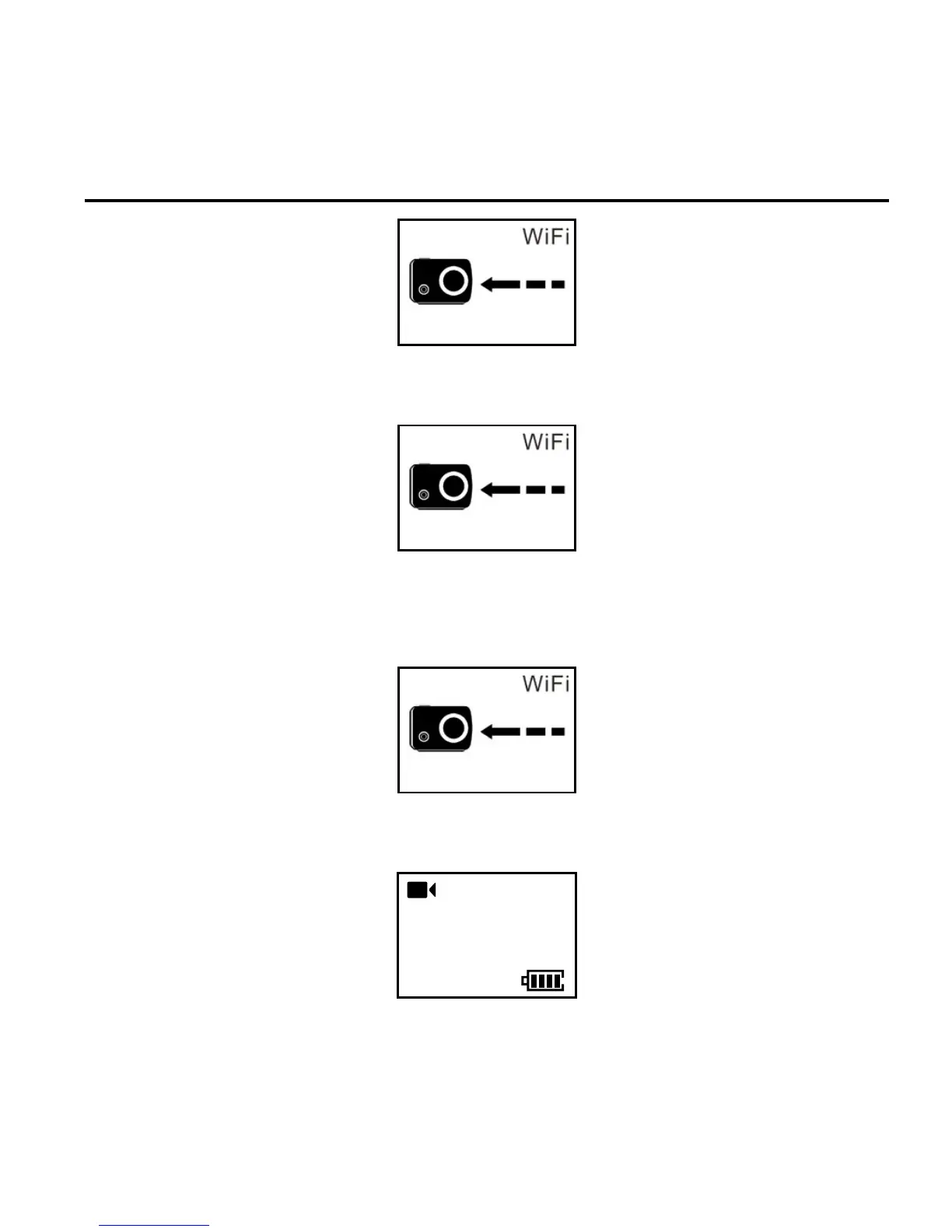
4. Press the “Stop” button of the camera once, and the screen of the
Wi-Fi remote control will display the icon below:
PRESS CONNECT
5. Press the “Stop” button of the Wi-Fi remote control for connecting,
and the screen of the Wi-Fi remote control will display the icon
below:
info SYNC
CONNECT
6. When the remote control enters the recording standby state and
the following interface, code pairing is completed successfully:
100-088
2H30
1080P- 50



 To Next Page