-8-
1
2
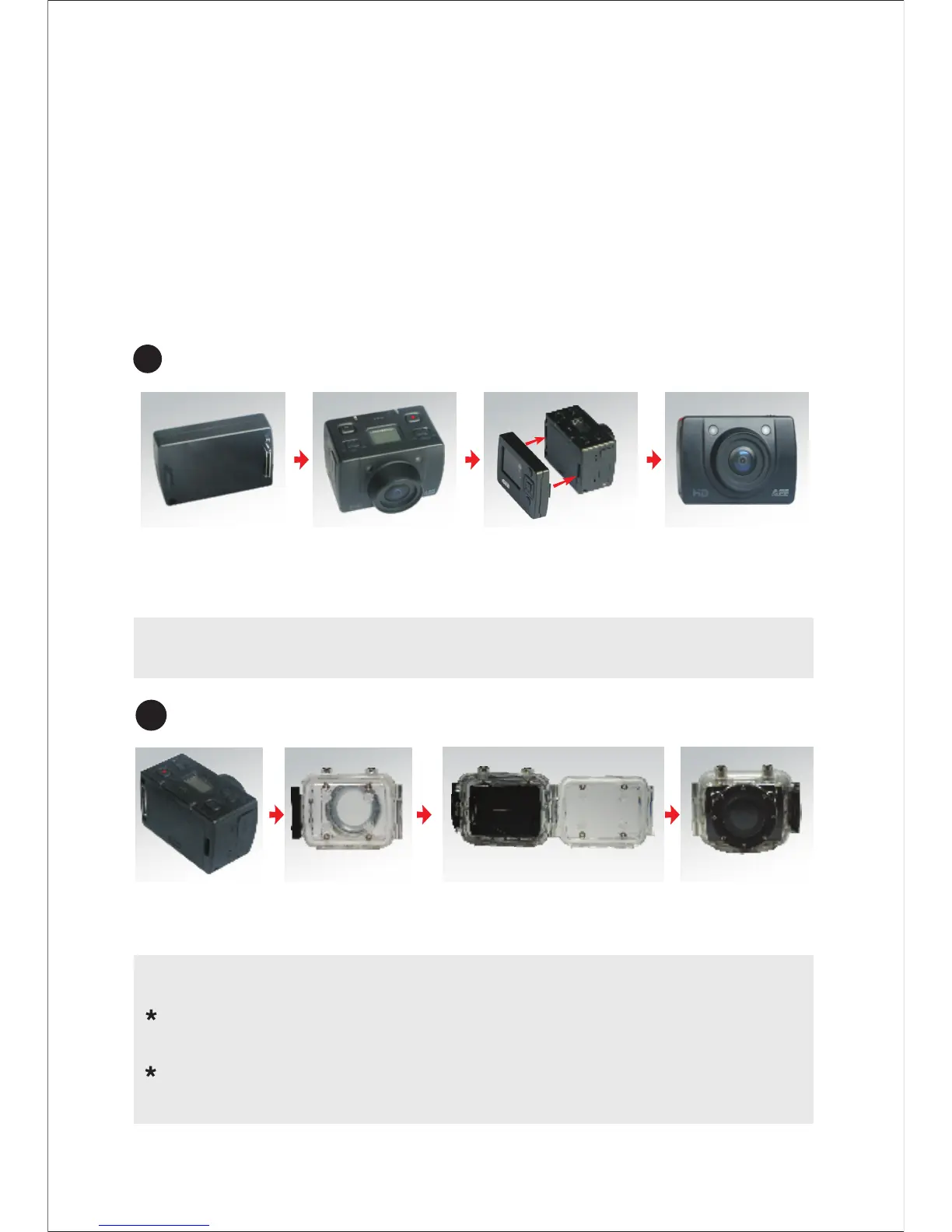
Installation and removal of TFT display screen and main body
TFT display
screen
Main body Install TFT
display screen
onto the main body
Installation of waterproof case and main body
Main body
Waterproof
case
Install main body into
the waterproof case
Note to use waterproof case
:Handle with care to avoid damaging waterproof
case caused by drooping or physical shock.
:Please clean with clear water as quickly as possible
after using and dry out to avoid rusting.
Pull out display screen: Please pull out the display screen
after pressing Push key.
Installation
1:SD20 can be either handheld or realized non-hand-held
use combining with various non-hand-held accessories.
The camera can be installed in where you want; or the
camera can be installed in the water by the waterproof
case to photograph scene in the water.
The installation is shown as follows:



 To Next Page