39
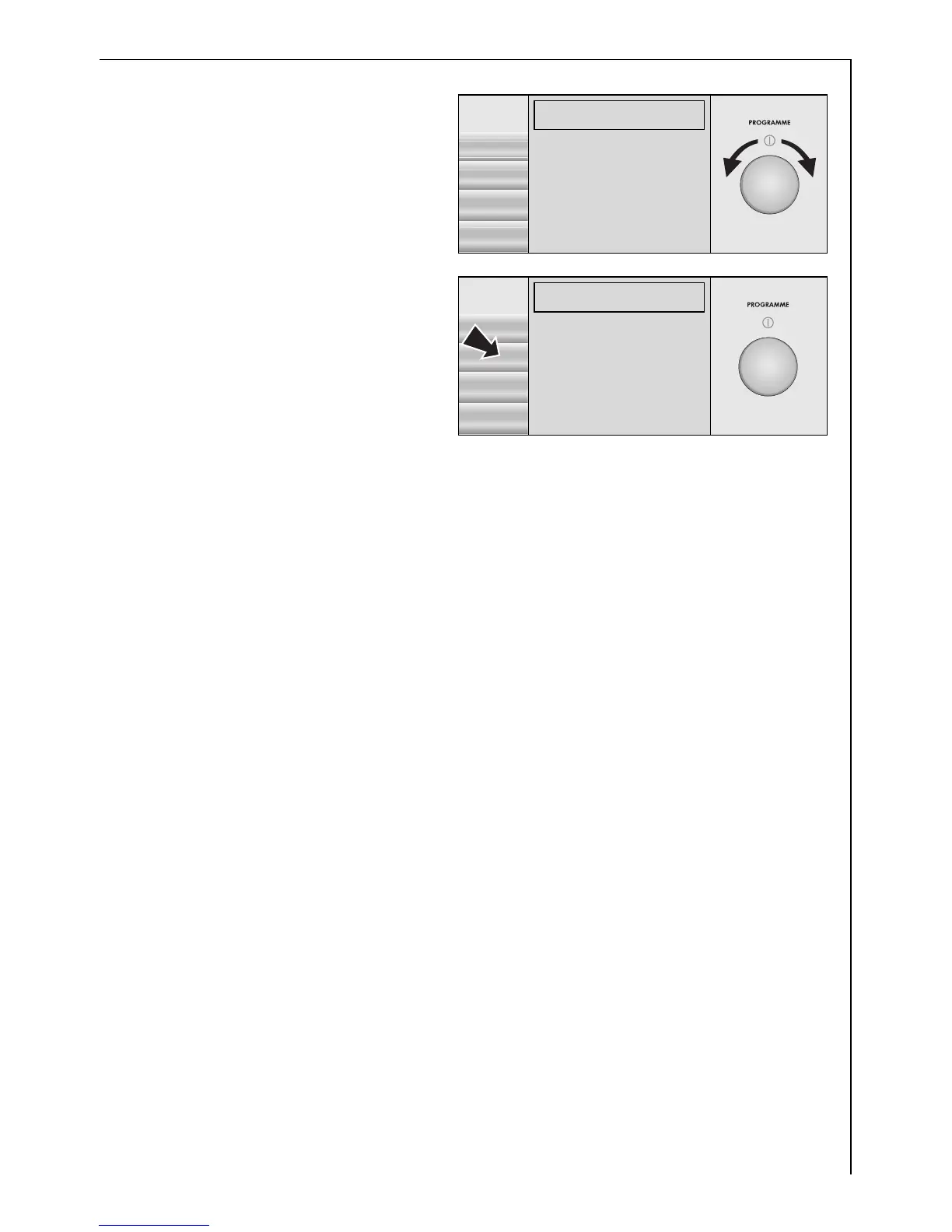
6. Use the control knob to
highlight the desired lan-
guage, e.g. English.
As soon as the language is
highlighted, the indicators in
the display will change to
this language.
7. Use the SELECT button to
save the selected language.
All indicators in the display
will immediately appear in
this language.
EXTRAS
LANGUAGE
Í
§
SELECT
ENGLISH)
DEUTSCH§
BACK
ITALIANO§
FRANÇAIS§
EXTRAS
LANGUAGE
Í
§
SELECT
ENGLISH!)
DEUTSCH§§
BACK
ITALIANO§§
FRANÇAIS§§









 To Next Page