36
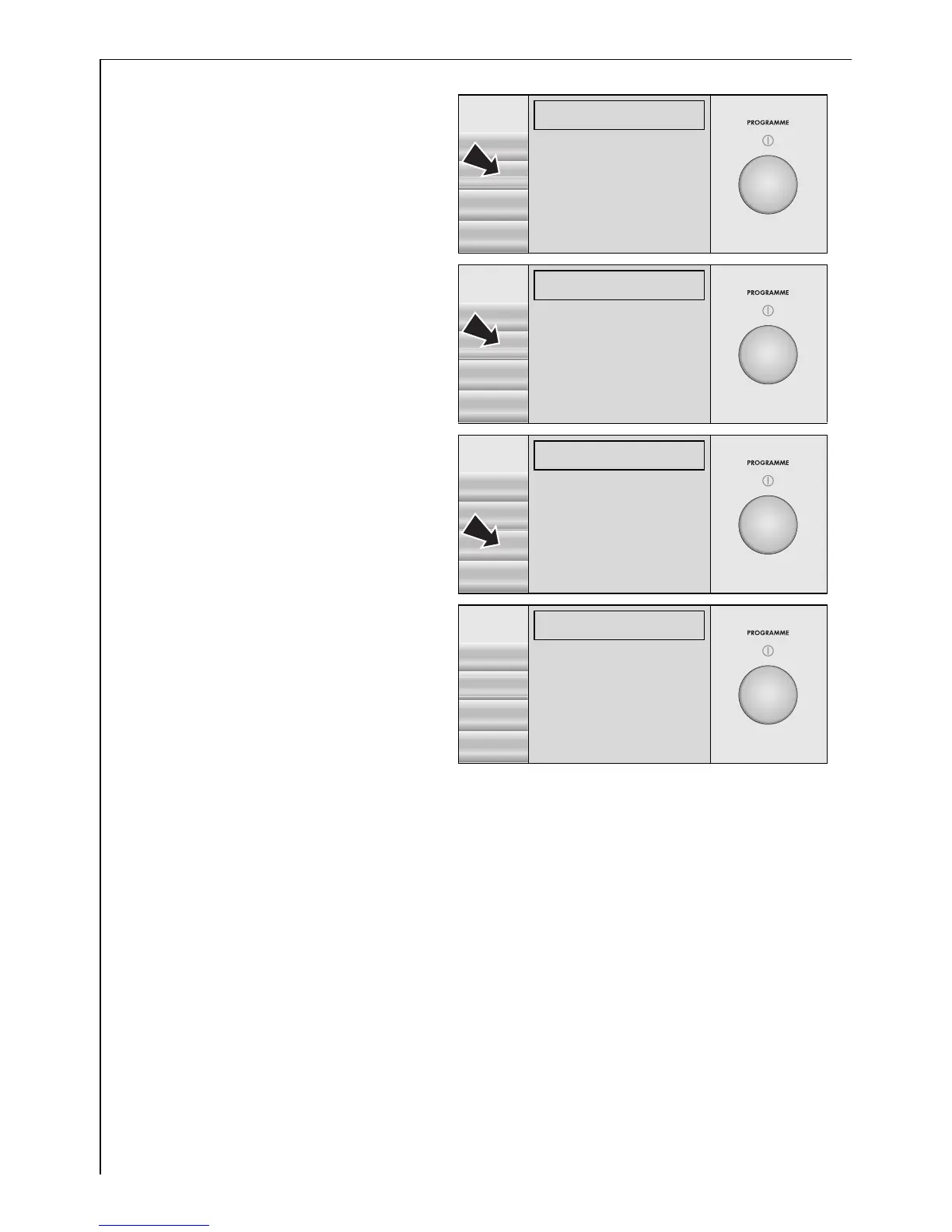
If MEMORY is highlighted:
8. Press the SELECT button.
If MEMORY 1 is highlighted:
9. Press the SAVE button.
The programme setting has
now been saved.
10. Press the BACK button three
times. You are now on the
first level again.
3 The saved programme set-
ting will appear as the first
entry on the first page (e.g.
M1: LINEN/EASY-C. 40°C,
with 1,200 RPM spin and
SENSITIVE/S option). The
saved programme setting
can then be selected in the same way as any other wash programme.
After this new entry the first level now includes a total of four pages.
The navigation symbol will change to þ.
EXTRAS
ì
SELECT
MEMORY(
RINSE+
BACK
WATER COOLING
GENTLE SPIN.
MEMORY
LINEN/EASY-C. 40°C 1200
é
SAVE
MEMORY 1(
MEMORY 2
BACK
MEMORY 3
MEMORY 4
MEMORY
LINEN/EASY-C. 40°C 1200
é
SAVE
MEMORY 1!(
MEMORY 2§§
BACK
MEMORY 3§§
MEMORY 4§§
LINEN/EASY-C. 40°C
1200 RPM 10:17-12:16
S þ
START
M1:LINEN/EASY-C.)
40°
LINEN/EASY-C.
ENERGY SAVING
1200
COTTONS
OPTIONS DELICATES




 To Next Page