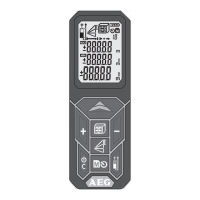
17
BASIC DESCRIPTION ON EXAMPLE OF AREA MEASURING (1)
1
Turn On
Push Button
Attention! Laser on!
Do not point it at a person!
2
Choose Measuring Reference
Standard after turning on: Bottom
Push 1x -> Corner Pin
Push 2x -> Top
Push 3x -> Tripod hole
Push 4x -> Bottom
3
Choose Function
After switching on the device is
always on single distance
measurement
Push 1x - Area Measurement.
4
Measure length
Level the device
and push
button
5
Measure width
Level the device
and push
button
-
- Icon is displayed. - Icon appears.
-
-
the main line.
- Measured value jumps by 1 sec in
line above.
- Measured value is stored in
memory at consecutive numbers.
- Second measured parameter
Device ready for measurement of
the second value.
-
the base line.
- Measured value jumps by 1 sec in
line above.
- Measured value is stored in
memory at consecutive numbers.
- Result is displayed in the main line
and stored in memory at
consecutive numbers.


 To Next Page