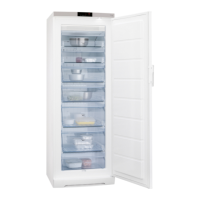
3.7 Installation of a door handle
If there is a door handle provided in a bag
separately, you can install it as follows:
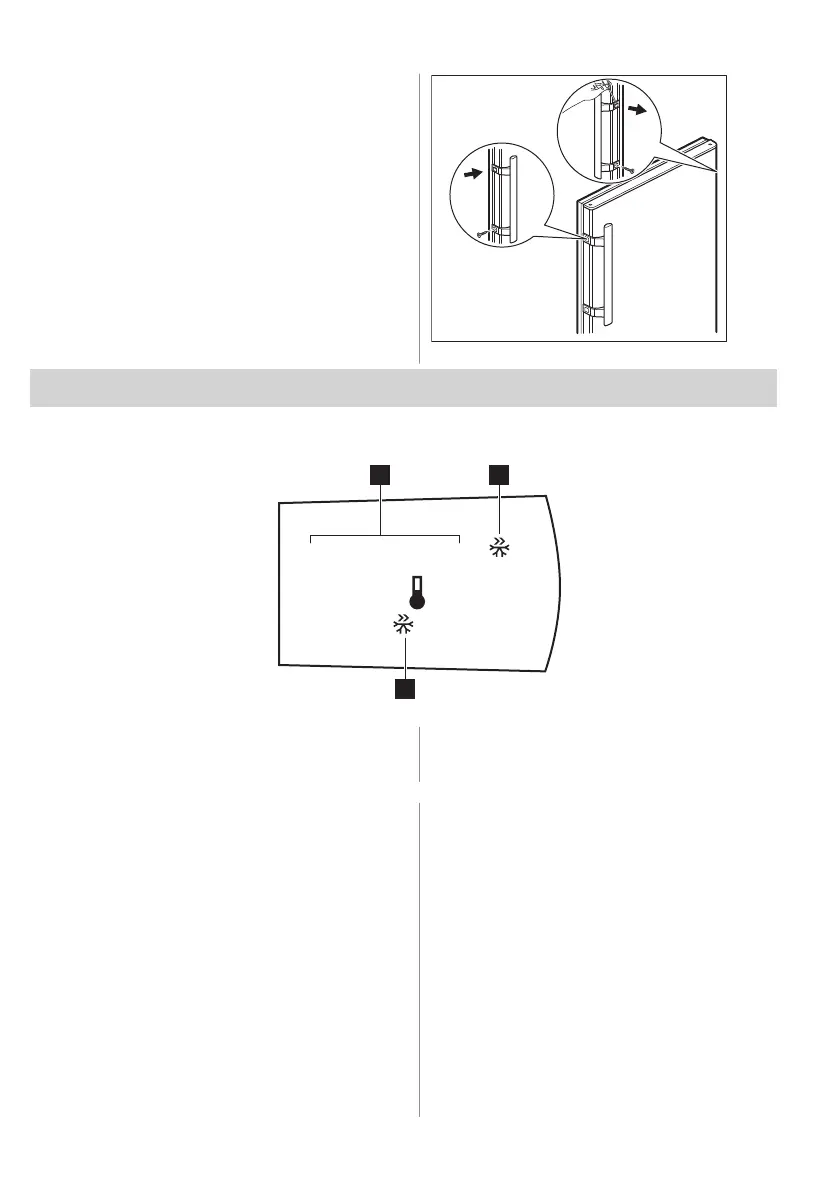
1. Remove the screws from the holes on the
side of the door.
2. Take the handle out of the bag.
3. Match the handle holes with the holes in
the door.
4. Screw the handle with the previously
removed screws.
5. Take out the screw covers out of the bag
and put them on the top of the screws.
4. OPERATION
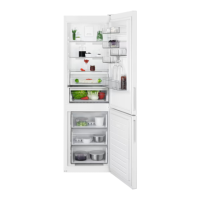
4.1 Control panel
1. Temperature indicator
2. Super Freeze indicator
3. Control button
4.2 Switching on
Insert the plug into the wall socket.
4.3 Switching off
To turn off the appliance, remove the plug
from the power socket.
4.4 Temperature regulation
To set the temperature, press the Control
button repeatedly until you reach the desired
temperature.
Recommended set temperature is:
• +4°C for the fridge.
The temperature range may vary between
2°C and 8°C for fridge.
Choose the setting keeping in mind that the
temperature inside the appliance depends on:
• room temperature,
• frequency of opening the door,
• quantity of food stored,
• appliance location.
The temperature indicators show the set
temperature.
ENGLISH 75



 To Next Page