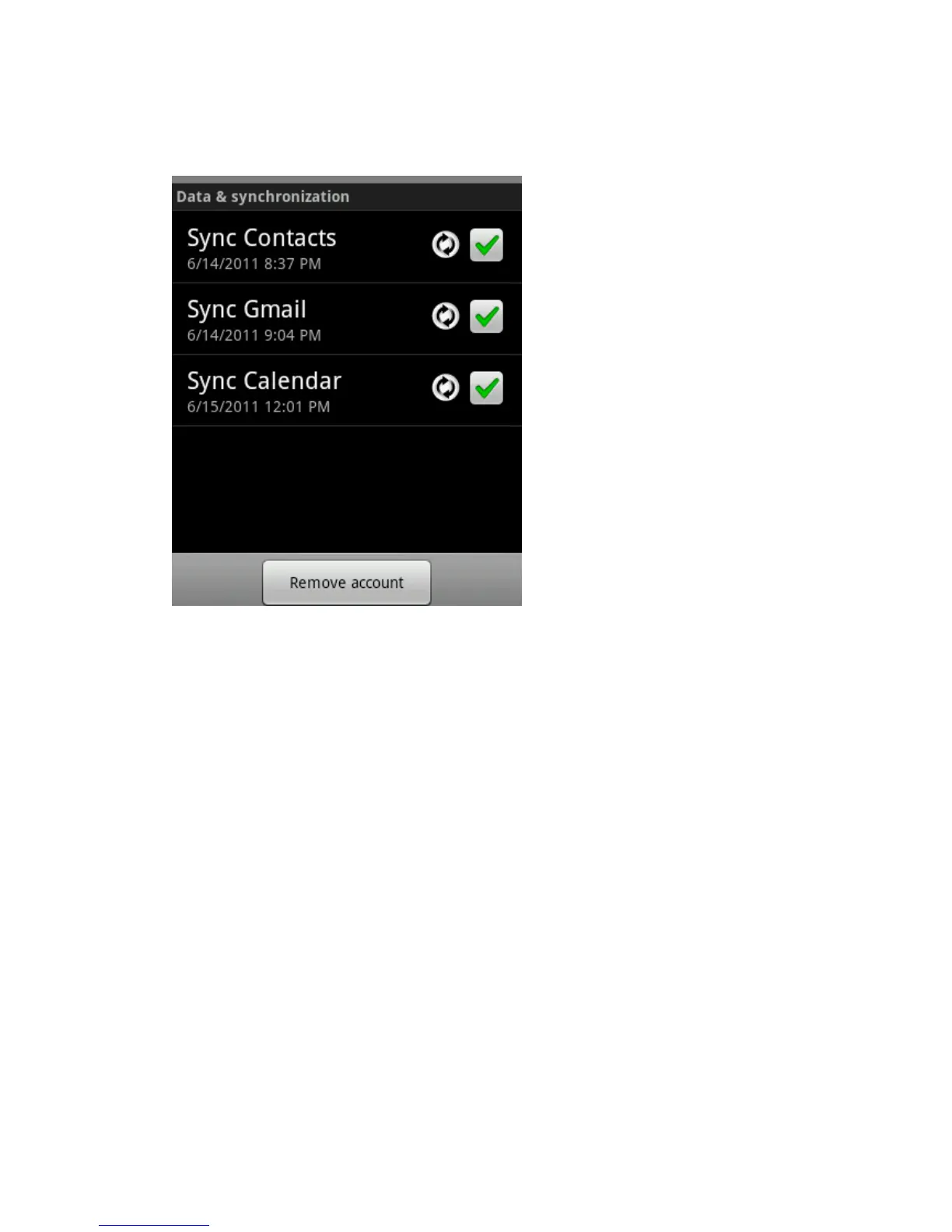
The Data and Synchronization screen opens, displaying a list of the kinds of information the
account can sync.
Checked items are configured to sync to your phone.
3. Check or uncheck the kinds of information you want to sync to the phone. The Unchecked
option does not remove the information from your phone; it simply stops it from being kept in
sync with the version on the web. To remove the information previously synced for the
account, you must remove the account.
Browse
While browsing the web page, use the following options:
• To zoom in or out, double-tap the screen. You can also use the two finger zoom; Place your two
fingers on the screen and slowly pinch or spread apart.
• To open a new window, press menu key → windows→New window.
• To view the currently active windows, press menu key → Windows. You can open multiple
pages and switch back and forth between them.
• To go to a next page in history, press menu key→ Forward.
• To bookmark the current web page, press menu key → bookmarks→ Add bookmark.
• To add the RSS feed, press menu key → More→ Add RSS feeds. You can read RSS feeds
using Google Reader.
• To search for text on the web page, press menu key→ More→ Find on page.
• To view the web page details, press menu key → More →Page info.
• To send the web address (URL) of the web page to others, press menu key → More → Share
page.
• To view the download history, press menu key → More →Downloads.



 To Next Page