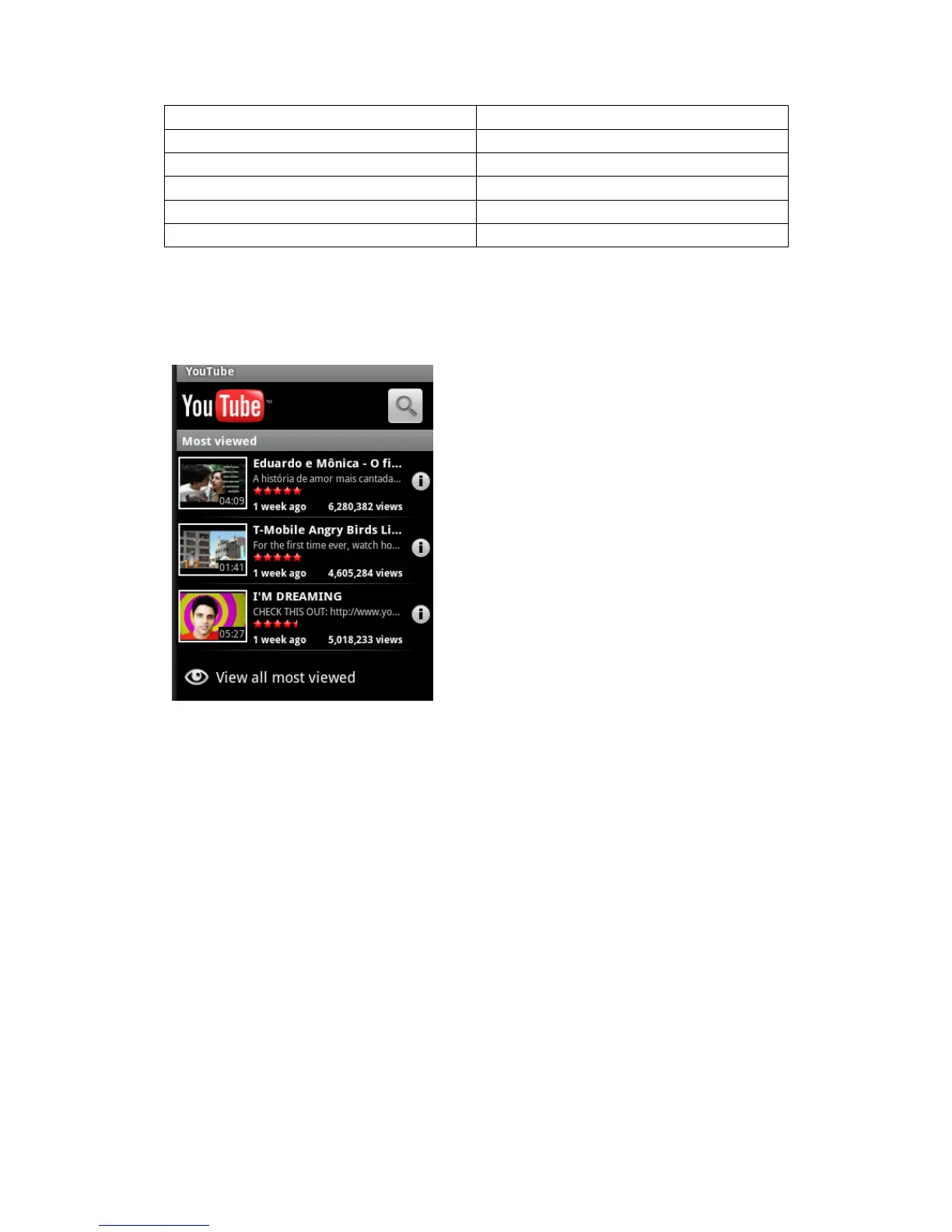
YouTube
YouTube is a free online video streaming service. Learn to view and share videos via YouTube.
Note: This feature may be unavailable depending on your region or service provider.
Watch videos
1. In Idle mode, open the application list and select YouTube.
2. Select a video from the list.
3. Rotate the device anti-clockwise to landscape view.
Share videos
1 In Idle mode, open the application list and select YouTube.
2 Tap and hold a video.
3 Select Share → an option.
Gallery
Learn to view photos and play videos saved in your device's memory and memory card.
View a photo
1. In Idle mode, open the application list and select Gallery.
2. Select a folder.
3. select menu key to change the view mode.
4. Select a photo (with no icon) to view.
While viewing a photo, use the following options:



 To Next Page