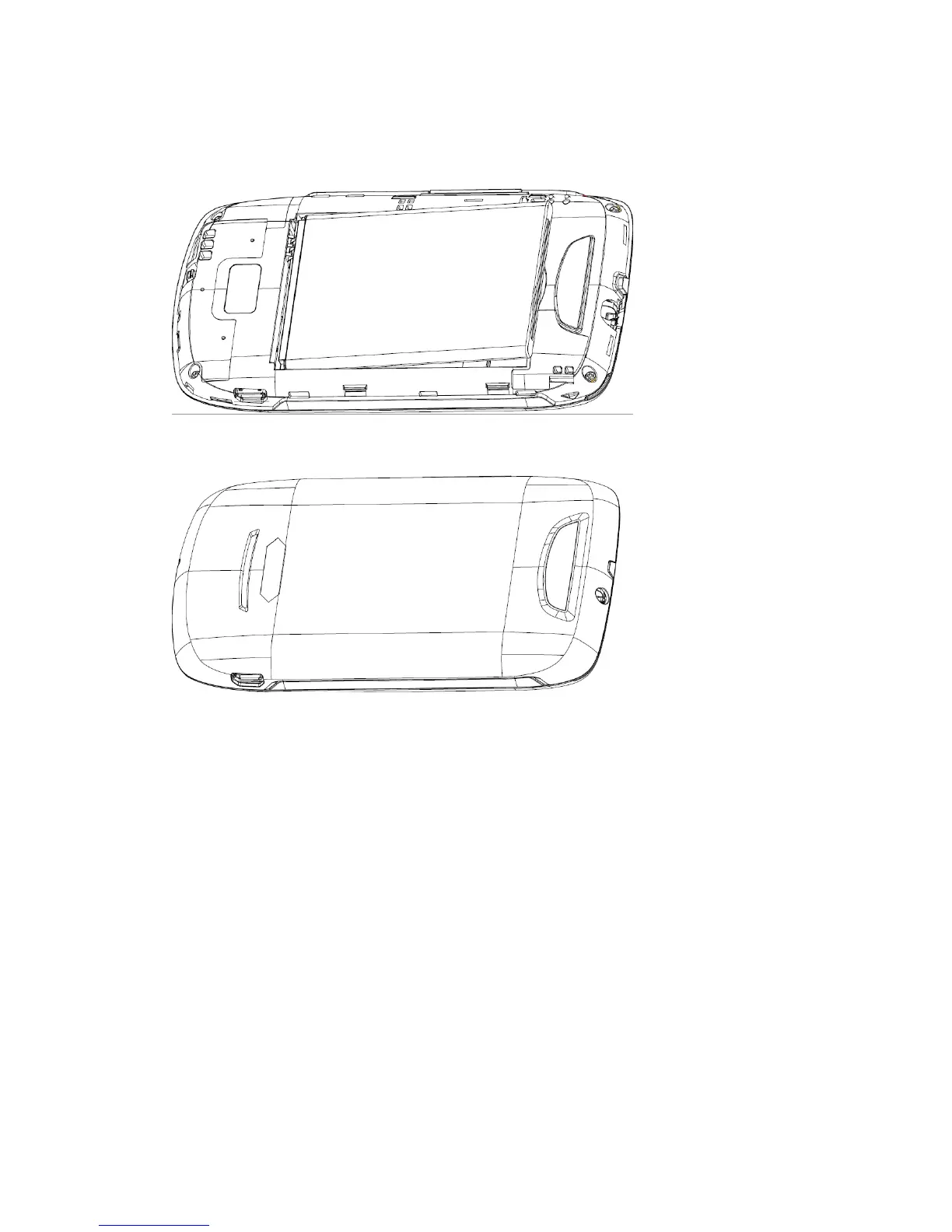
6. Replace the back cover.
Charge the battery
Before using the device for the first time, you must charge the battery. You can charge the device
with the provided travel adapter or by connecting the device to a PC with a PC data cable.
NOTE: When your battery is low, the device will emit a warning tone and display a
low battery message. The battery icon will also be empty and turn red. If the battery
level becomes too low, the device will automatically power off. Recharge your battery
to continue using your device.
Charge with the travel adapter
1. Open the cover to the multifunction jack on the top of the device.
2. Plug the small end of the travel adapter into the multifunction jack.



 To Next Page