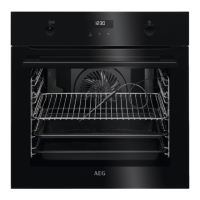
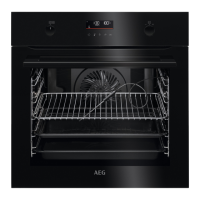
4. HOW TO TURN OVEN ON AND OFF
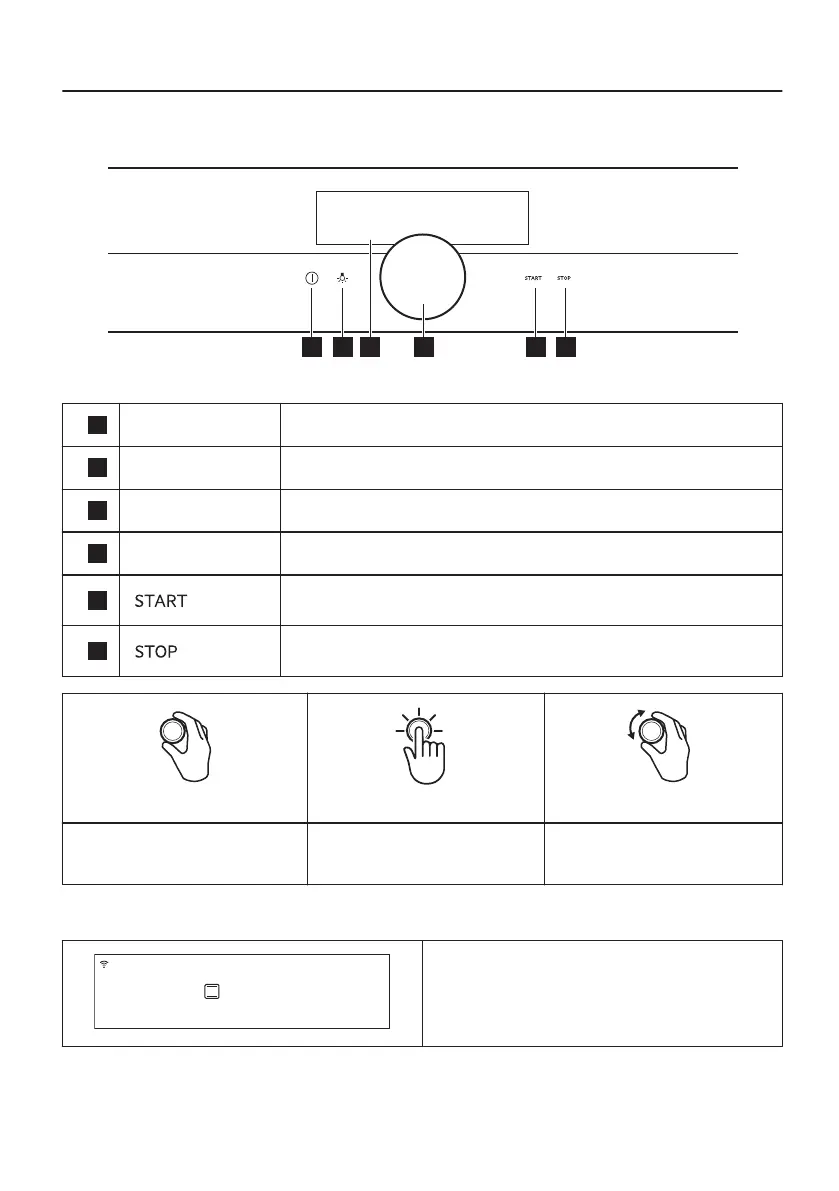
4.1 Control panel
1
On / Off Press and hold to turn the oven on and off.
2
Lamp switch To turn the lamp on and off.
3
Display Shows the current settings of the oven.
4
Rotary knob To operate the oven.
5
To turn on the selected function.
6
To turn off the selected function.
Hold Press Hold and turn
Turn on the main screen.
Confirm a setting or enter the
selected submenu.
Adjust settings and navigate
through the menu.
4.2 Display
After turning on, the display shows the main
screen with the heating function and the default
temperature.
13/60


 To Next Page