EasyManua.ls Logo

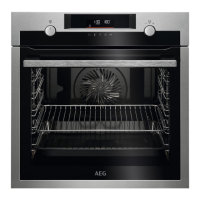
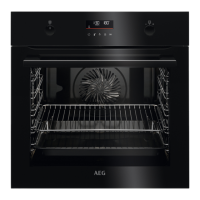
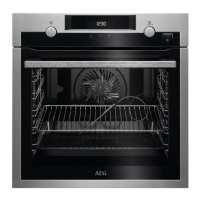
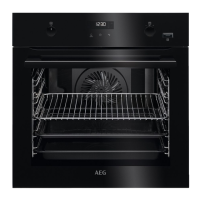
AEG BPE535060B - User Manual

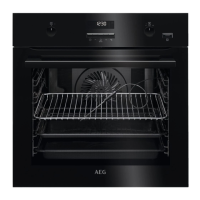
AEG BPE535060B
144 pages
Go to English
Print Icon
To Next Page IconTo Next Page
Loading...
USER
MANUAL
NL Gebruiksaanwijzing 2
Oven
EN User Manual 37
Oven
FR Notice d'utilisation 70
Four
DE Benutzerinformation 106
Backofen
BD431PB
BPE535060B
BPK435090M

Table of Contents

Questions and Answers

  • D
    Danielle SmithAug 5, 2025
    How to replace the lamp in AEG Oven?
    • M
      Michelle WilliamsAug 5, 2025
      To replace the lamp in your AEG oven: 1. Turn off the oven and wait until it is cold. 2. Disconnect the oven from the mains. 3. Put a cloth on the bottom of the cavity. 4. Turn the glass cover to remove it. 5. Clean the glass cover. 6. Replace the lamp with a suitable 300 °C heat-resistant lamp. 7. Install the glass cover.

AEG BPE535060B Specifications

General IconGeneral
TypeBuilt-in Oven
Oven typeElectric
Energy efficiency classA
Oven capacity71 L
Control typeElectronic
Self-cleaningYes
Oven sizeLarge
Number of ovens1
ColourBlack
Product TypeOven
Voltage220-240 V
Frequency50 Hz
Installation TypeBuilt-in

Related product manuals