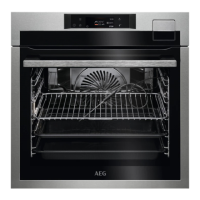
4. HOW TO TURN OVEN ON AND OFF
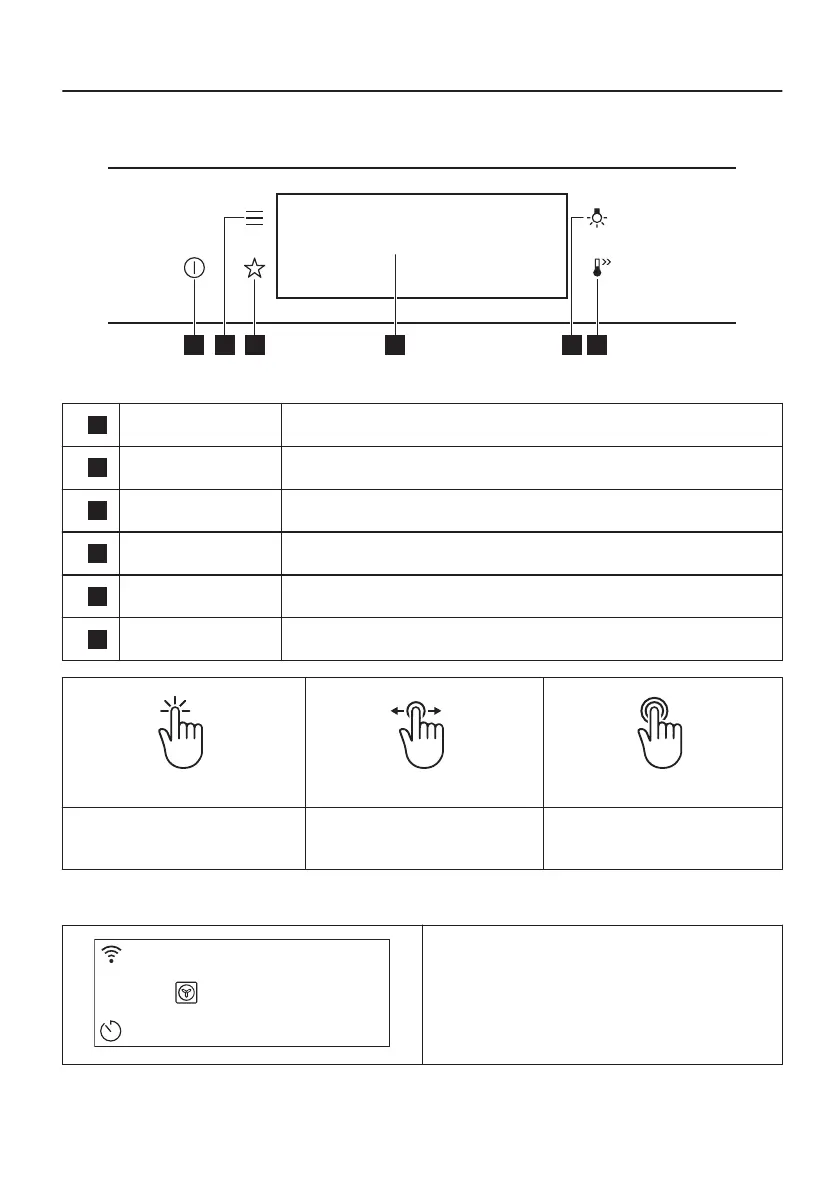
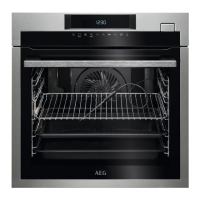
4.1 Control panel
1
On / Off Press and hold to turn the oven on and off.
2
Menu Lists the oven functions.
3
Favourites Lists the favourite settings.
4
Display Shows the current settings of the oven.
5
Lamp switch To turn the lamp on and off.
6
Fast heat up To turn on and off the function: Fast heat up.
Press Move
Press and hold
Touch the surface with finger‐
tip.
Slide fingertip over the sur‐
face.
Touch the surface for 3 sec‐
onds.
4.2 Display
STARTSTART
12:3012:30
150°C
After turning on, the display shows the main
screen with the heating function and the default
temperature.
14/60


 To Next Page