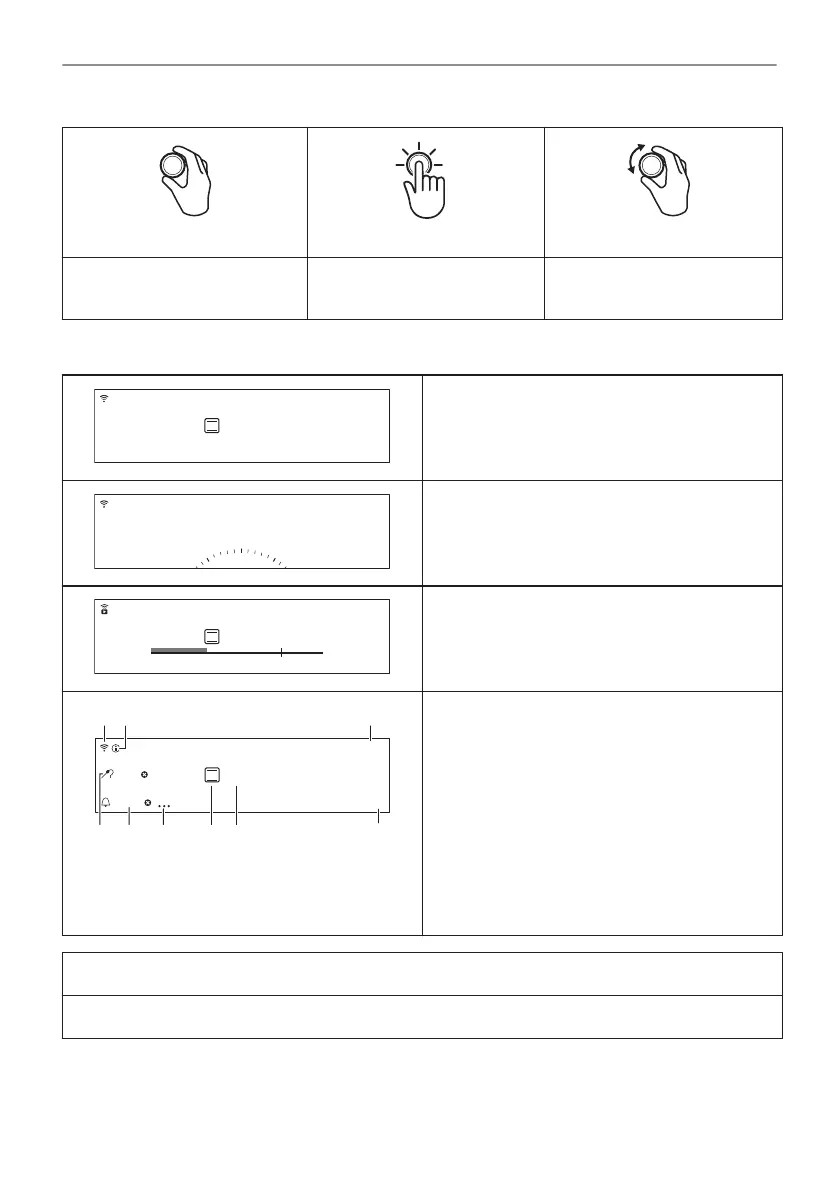
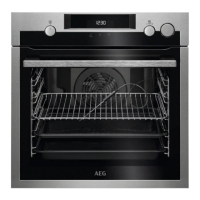
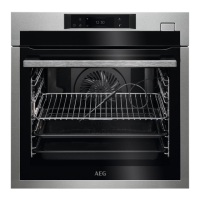
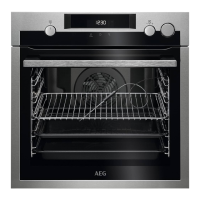
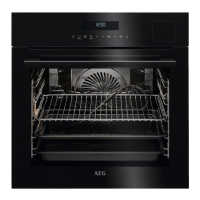
Hold Press Hold and turn
Turn on the main screen.
Confirm a setting or enter the
selected submenu.
Adjust settings and navigate
through the menu.
4.2 Display
After turning on, the display shows the main
screen with the heating function and the default
temperature.
If you do not use the appliance for 2 minutes,
the display switches to standby.
When you cook, the display shows the set
functions and other available options.
100°C
12:30
25min
Menu
85°C
A
I H G EF
B C
D
The display with the maximum number of func‐
tions set.
A. Wi-Fi (selected models only)
B. Information
C. Time of day
D. Menu
E. Temperature
F. Heating functions
G. Timer Options
H. Timer
I. Food sensor (selected models only)
Display indicators
Sound alarm function indicators - when the set time of cooking ends, the signal sounds.
11/56
HOW TO TURN APPLIANCE ON AND OFF


 To Next Page