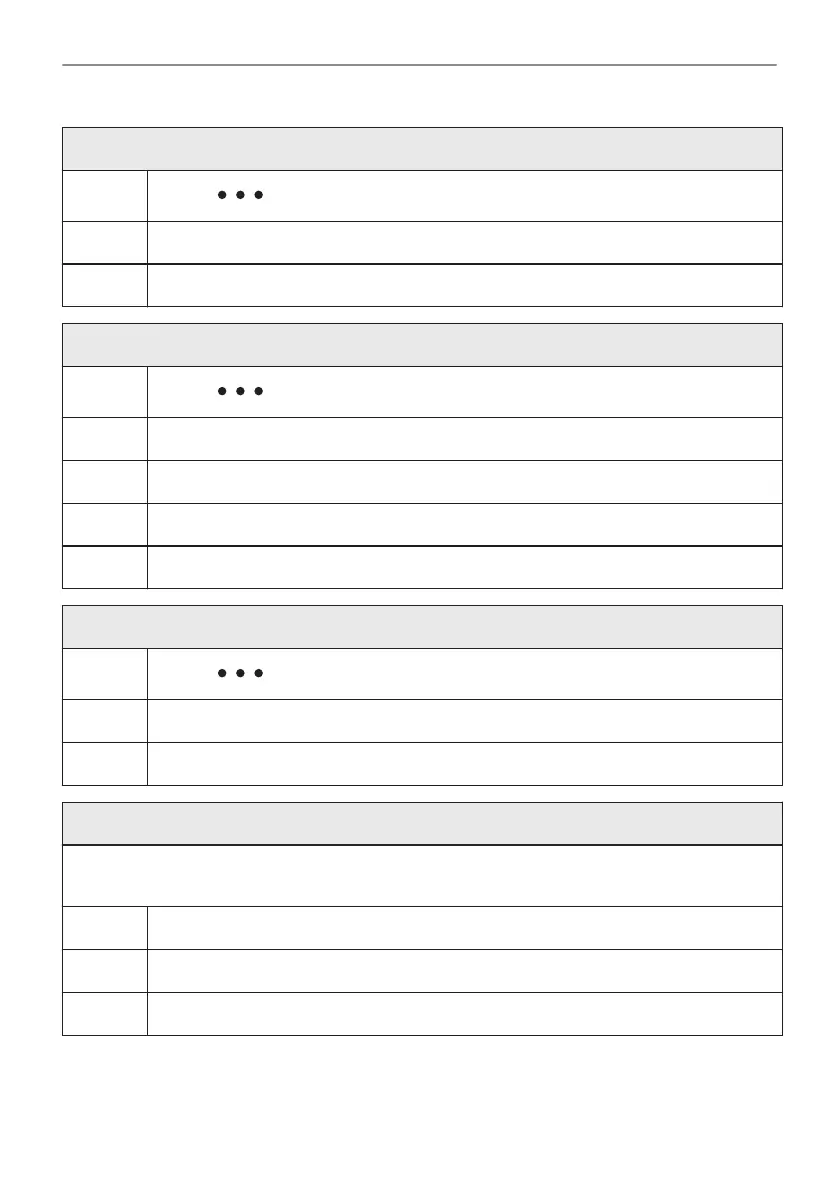
How to choose cooking start / end option
Step 2
Select: . Press the knob.
Step 3 Select: Start criteria. Press the knob.
Step 4 Select: End action. Press the knob.
How to delay start and end of cooking
Step 1
Select: . Press the knob.
Step 2 Select: Start criteria / At a later time. Press the knob.
Step 3 Turn the knob to set the start time. Press the knob.
Step 4 Turn the knob to set the end of cooking. Press the knob.
Step 5 Select: End action. Press the knob.
How to delay start without setting the end of cooking
Step 1
Select: . Press the knob.
Step 2 Select: Start criteria / At a later time.
Step 3 Turn the knob to set the start time. Press the knob twice to confirm.
How to extend cooking time
When 10% of cooking time is left and the food seems not to be ready, you can extend cooking
time. You can also change the oven function.
Step 1 Select: Timer.
Step 2 Select preferred time icon to extend cooking time and press the knob to confirm.
Step 3 Also, you can select the preferred heating function and press the knob to change it.
25/56
CLOCK FUNCTIONS


 To Next Page