12
Operating the Oven
Switching the Oven On and Off
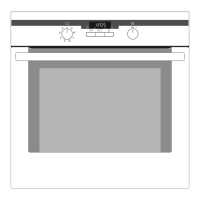
Switching the oven on
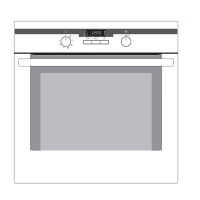
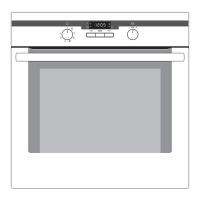
Turn the oven functions control
knob to the desired function. The
oven power indicator lights up. The
temperature display shows the sug-
gested temperature for the oven
function selected.
The oven starts to heat up.
When the temperature set is
reached, an audible signal sounds.
Oven Functions
Temperature/Time selection
Temperature / Time
Display
Change display
Heat indicator
Speedcook
Oven power indicator
Button Speedcook
Oven power indicator


 To Next Page
 Loading...