EasyManua.ls Logo

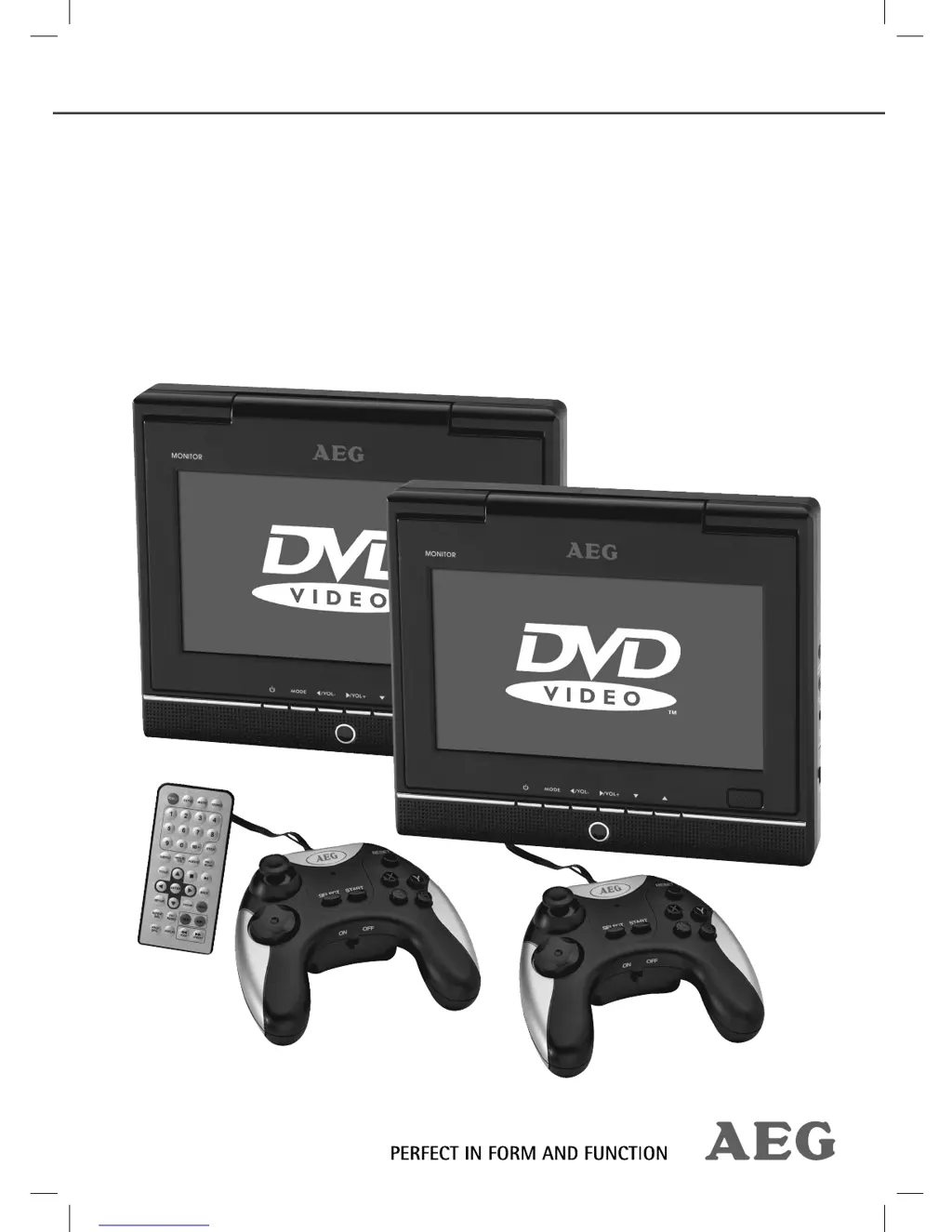
AEG DVD 4533 - User Manual

AEG DVD 4533
65 pages
Go to English
Print Icon
To Next Page IconTo Next Page
Loading...
Bedienungsanleitung/Garantie
Instruction Manual/Guarantee
DVD 4533
D
VD Car Cinem
a
DVD
Ca
r
C
in
e
m
a
05_DVD4533-Titel.indd 105_DVD4533-Titel.indd 1 08.07.2008 16:39:20 Uhr08.07.2008 16:39:20 Uhr

Questions and Answers

  • S
    Samuel SingletonAug 10, 2025
    Why is there no sound coming from my AEG DVD 4533?
    • N
      newtonkayleeAug 10, 2025
      If your AEG Car Video System isn't producing any sound, here's what to check: * Ensure the audio cable is correctly connected if using a television set, and that the jacks are tightly secured. * Increase the volume using the VOL + buttons. * Verify that headphones are properly inserted. * If using an amplifier, confirm that it is switched on. * Review the settings on your DVD player.
  • S
    Samantha BrownAug 15, 2025
    What to do if no image displayed on AEG DVD 4533?
    • P
      Patricia FriedmanAug 15, 2025
      If your AEG Car Video System screen displays no image, consider the following: * If connected to a TV, ensure the video cable is correctly fitted and the jacks are tightly secured. * Insert a compatible CD/DVD. * If a disc is already inserted, turn it around. * Clean the CD/DVD if it's dirty. * Try a different CD/DVD if the current one is damaged. * Check the settings on your DVD player. * Deactivate the child protection feature if it's enabled.
  • R
    raymichaelAug 20, 2025
    Why is my AEG DVD 4533 Car Video System remote control not working?
    • C
      Cristian FlowersAug 20, 2025
      If your AEG Car Video System remote control isn't working, ensure it's pointed towards the DVD player and is within 5 meters. If the issue persists, replace the batteries.
  • K
    kyle82Aug 25, 2025
    What to do if AEG DVD 4533 Car Video System has no response when pressing button?
    • S
      Sue JonesAug 26, 2025
      If your AEG Car Video System doesn't respond when you press a button, switch off the main switch, unplug it, then plug it back in and switch it on again. This addresses potential power supply issues or static charging.
  • K
    Kimberly HamiltonAug 29, 2025
    How to fix AEG DVD 4533 Car Video System power supply light not working?
    • H
      Heather LewisAug 29, 2025
      If the power supply light on your AEG Car Video System isn't lighting up, first ensure the device is turned off. Then, check that the mains plug is correctly inserted and that the socket is working. Also, make sure the mains switch is turned on.
  • M
    Melinda ScottSep 4, 2025
    How to fix AEG Car Video System titles played in wrong order?
    • C
      Carlos StoutSep 4, 2025
      To resolve titles playing in the wrong order on your AEG Car Video System, delete the playlist.

AEG DVD 4533 Specifications

General IconGeneral
BrandAEG
ModelDVD 4533
CategoryCar Video System
LanguageEnglish

Related product manuals