Need help?
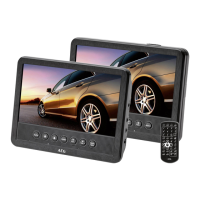
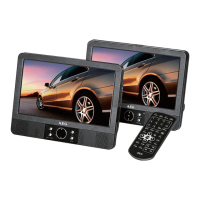
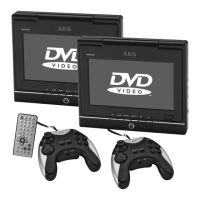
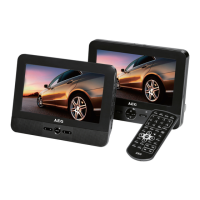
Do you have a question about the AEG DVD 4551 and is the answer not in the manual?
Details unit type, model, power supply, output, dimensions, weight, laser, signal, SNR.
Lists compatible media formats like DVD-Video, MPEG-4, Audio CD, MP3.
Emphasizes reading the manual and liability for damages.
Guidelines for safe use around children and individuals with limited assessment abilities.
Precautions regarding electrical shock and mains cable usage.
States the unit is a category 1 laser unit and cautions about eye damage.
Guidelines for placing the unit to ensure safe operation and ventilation.
Advice on screen saver, volume adjustment, and media handling.
Specifies the allowed uses of the unit and prohibits other utilization.
Steps for inserting or replacing batteries in the remote control.
Information on using the AC adapter and voltage compatibility.
Instructions for connecting the AC adapter to operate the unit.
Guidance on using the 12V car adapter for vehicle power.
Warnings and notes regarding car adapter use and driving.
Steps for charging the unit's rechargeable battery.
Warnings and advice on battery charging, temperature, and disposal.
Instructions for loading CDs or DVDs into the player.
How the screen displays track/title and time information.
Steps to begin playback of loaded media.
How to pause and resume playback of media.
How to change audio language and audio mode.
How to show, hide, or select subtitle languages.
How to stop playback and restart from last position or beginning.
How to select previous/next chapter or track.
Steps to change the master password for parental lock.
Table of common errors, their causes, and solutions.
Solutions for no sound, low volume, incorrect headphone fit, remote issues.
Solutions for incorrect titles, non-playing DVDs, or empty batteries.
Instructions for disposing and handling batteries and rechargeable batteries.
 General
| Brand | AEG |
|---|---|
| Model | DVD 4551 |
| Category | Car Video System |
| Language | English |

 To Next Page