EasyManua.ls Logo

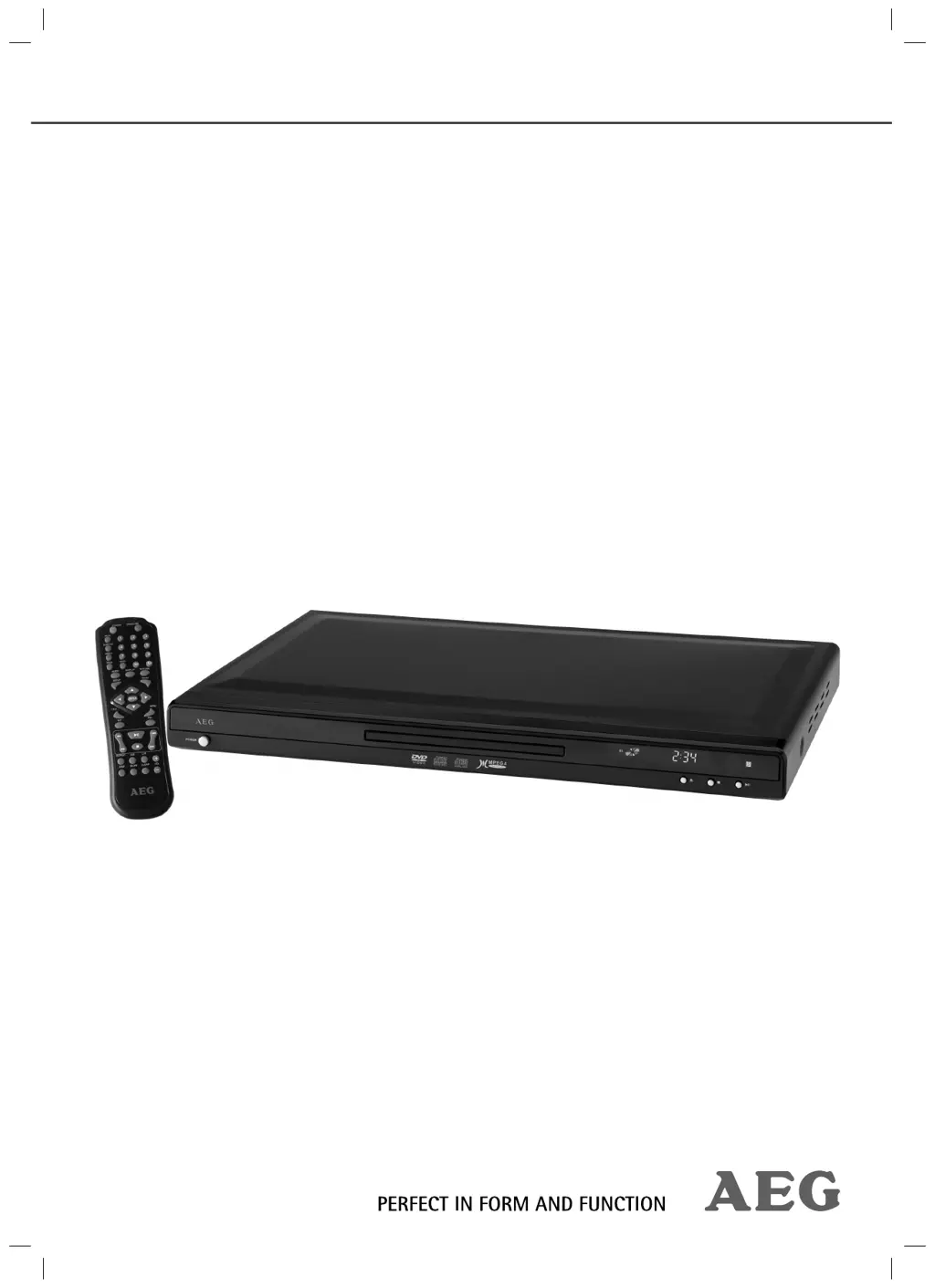
AEG DVD 4534 - User Manual

AEG DVD 4534
62 pages
Go to English
Print Icon
To Next Page IconTo Next Page
Loading...
Bedienungsanleitung/Garantie
Instruction Manual
DVD 4534 (N)
D
VD-Pla
y
er
DVD
Pl
ayer
05-DVD 4534 N AEG_Titel.indd 105-DVD 4534 N AEG_Titel.indd 1 16.06.2009 9:47:57 Uhr16.06.2009 9:47:57 Uhr

Questions and Answers

  • E
    edward58Aug 11, 2025
    Why does my AEG DVD Player remote control not work?
    • K
      Kevin RobinsonAug 11, 2025
      If your AEG DVD Player's remote control isn't working, ensure it's pointed directly at the player and is within 5 meters. If it still fails, try replacing the batteries.
  • R
    Richard GrahamAug 16, 2025
    What to do if my AEG DVD 4534 DVD Player has no image on the screen?
    • M
      Michael MorrisAug 17, 2025
      If your AEG DVD Player shows no image, ensure the video cable is correctly and tightly connected. Also, check if a compatible CD/DVD is inserted correctly in the tray. Make sure the CD/DVD is clean and not damaged. Check your DVD player settings and deactivate the child lock if it's activated.
  • N
    Nicholas WalshAug 22, 2025
    Why is there no sound from my AEG DVD 4534?
    • D
      Daniel AndersonAug 22, 2025
      If your AEG DVD Player isn't producing sound, and you're using an amplifier, verify that the amplifier is switched on. Also, check the audio cable connection and your DVD player settings.
  • R
    Rebecca KellyAug 29, 2025
    What to do if my AEG DVD Player is not responding to button presses?
    • E
      Emily McintoshAug 29, 2025
      If your AEG DVD Player isn't responding when you press a button, switch off the main switch, unplug it from the socket, then plug it back in and switch the player on again. This can resolve power supply issues or static charging.
  • L
    Luis BallardSep 3, 2025
    How to fix an AEG DVD 4534 DVD Player with no display?
    • J
      Jason NicholsSep 3, 2025
      If your AEG DVD Player displays nothing, ensure the power cord is correctly plugged into a working socket. Check the mains switch (Fig. 1/1) to ensure the player is switched on.

AEG DVD 4534 Specifications

General IconGeneral
BrandAEG
ModelDVD 4534
TypeDVD Player
Remote ControlYes
Progressive ScanYes
Playable FormatsDVD, CD, MP3, JPEG
Video OutputComposite, S-Video
Audio OutputDigital Coaxial
Supported MediaDVD-R/RW, DVD+R/RW, CD-R/RW
Power Supply50Hz

Related product manuals