To Next Page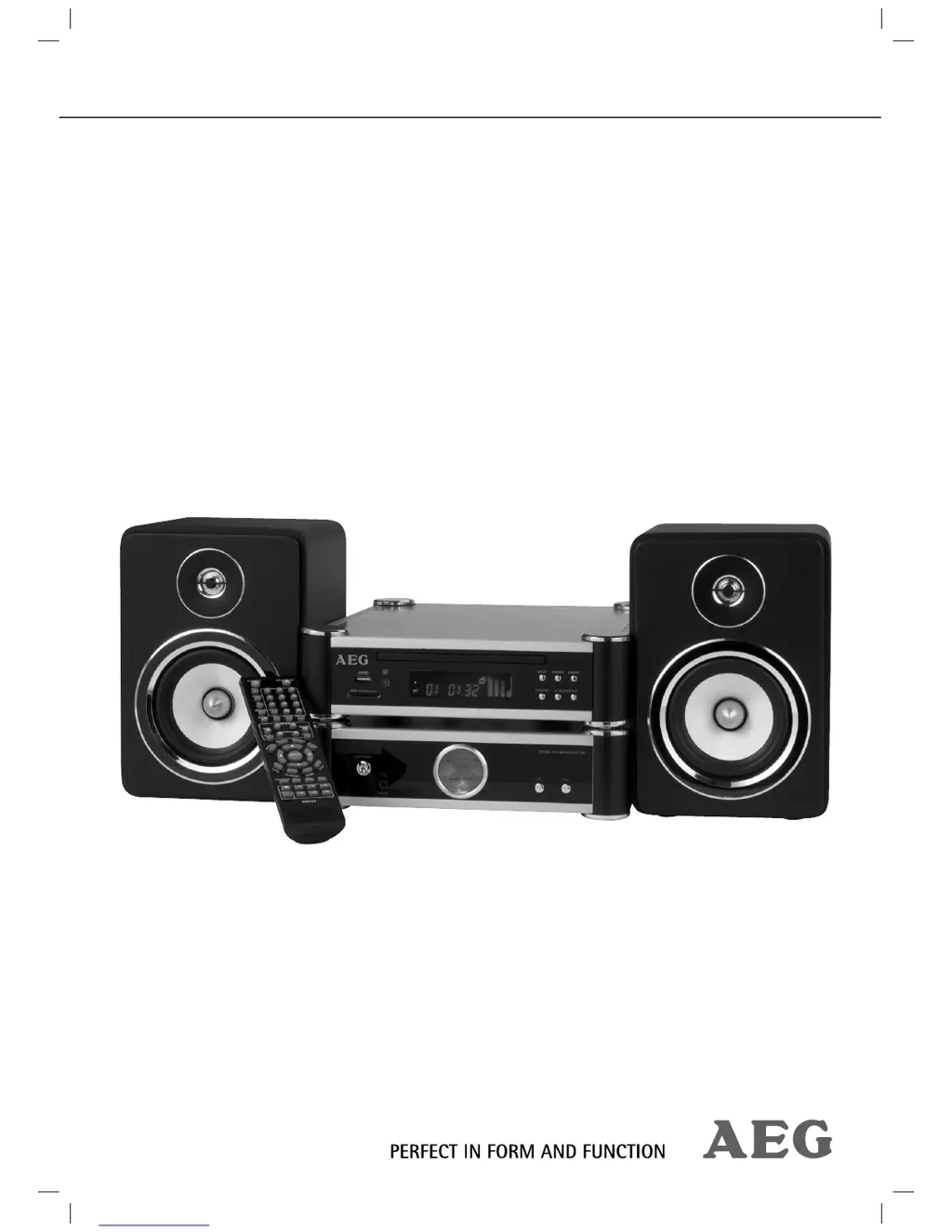
D
Donald NelsonAug 14, 2025
What to do if there is no image on the AEG DVD 4619 HC Home Theater System screen?
- CChristopher TuckerAug 14, 2025
If no image is displayed on the screen of your AEG Home Theater System, there might be several reasons. First, ensure the video cable is correctly connected and the jacks are tightly secured. Also, make sure you have inserted a compatible CD/DVD into the tray, placed correctly with the correct side up, and that it is clean and not damaged. Check your DVD-Player settings to make sure they are correct. Additionally, verify that the child lock system is deactivated. Finally, try pressing the TV-Mode button to select the correct TV mode.
 General