4. PRODUCT DESCRIPTION
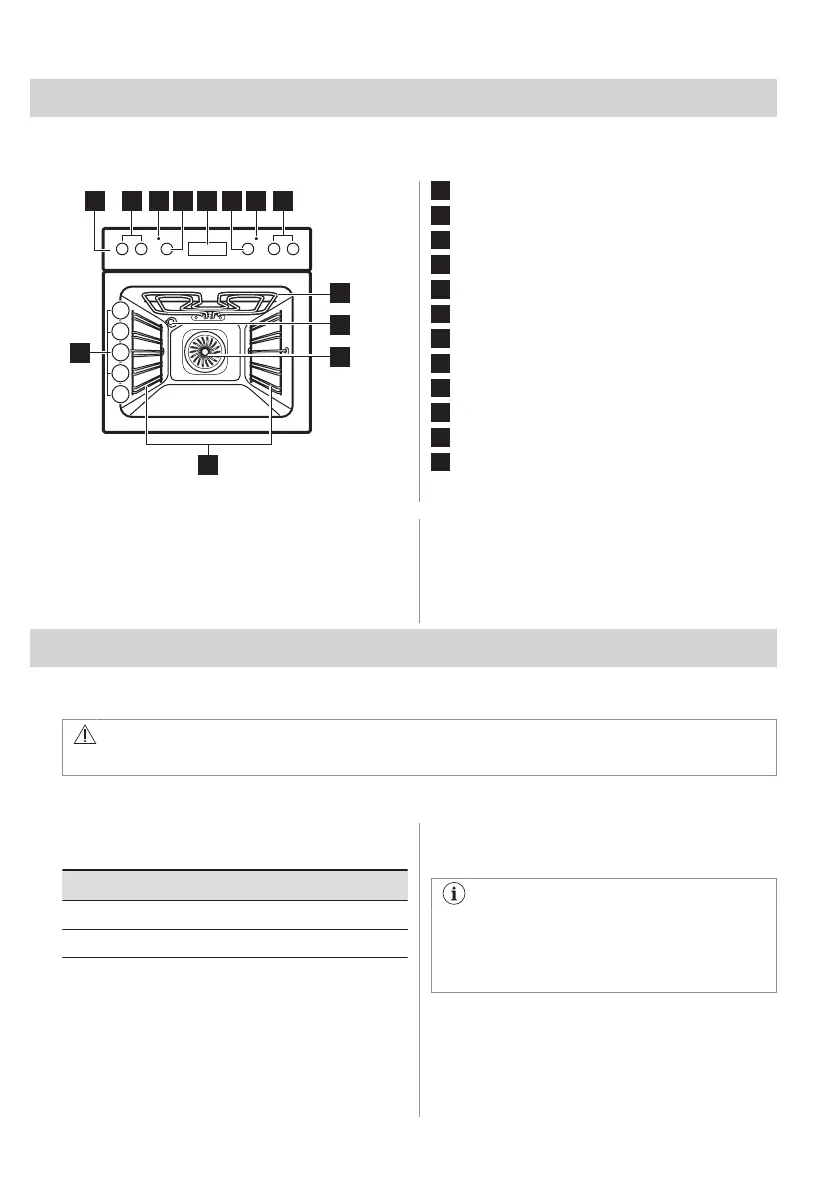
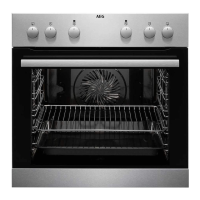
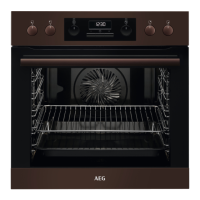
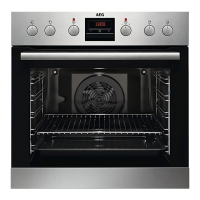
4.1 General overview
1
Control panel
2
Knobs for the hob
3
Power lamp / symbol
4
Knob for the heating functions
5
Display
6
Control knob (for the temperature)
7
Temperature indicator / symbol
8
Heating element
9
Lamp
10
Fan
11
Shelf support, removable
12
Shelf positions
4.2 Accessories
• Wire shelf
For cookware, cake tins, roasts.
• Combi pan
For cakes and biscuits. To bake and roast
or as a pan to collect fat.
5. CONTROL PANEL
5.1 Knobs for the cooking zones
WARNING!
Refer to Safety chapters in the hob user manual.
You can operate the hob with the knobs for the cooking zones.
5.2 Heat settings
Knob indication Function
0 Off position
1 - 9 Heat settings
1. Turn the knob to a necessary heat
setting.
2. To complete the cooking process, turn
the knob to the off position.
5.3 Using the double zone (if
applicable)
In case the hob has its own user
interface with sensor fields the function is
controlled by the hob. Refer to Daily Use
chapters in the hob user manual.
1. To activate the double zone, turn the
knob clockwise 9. Do not turn it through
the stop position.
2. Turn the knob slowly until you can hear a
click. The two cooking zones are on.
ENGLISH 9


 To Next Page