Problem Possible cause Remedy
The food sensor does not operate. The plug of the food sensor is not
correctly installed into the socket.
Put the plug of the food sensor as
far as possible into the socket.
The display shows F111. The plug of the food sensor is not
correctly installed into the socket.
Put the plug of the food sensor as
far as possible into the socket.
The display shows an error code
that is not in this table.
There is an electrical fault.
• Turn off the oven with the house
fuse or the safety switch in the
fuse box and turn it on again.
• If the display shows the error
code again, contact the Custom‐
er Care Department.
Steam and condensation settle on
the food and in the cavity of the
oven.
You left the dish in the oven for too
long.
Do not leave the dishes in the oven
for longer than 15 - 20 minutes after
the cooking process ends.
The appliance is activated and does
not heat up. The fan does not oper‐
ate. The display shows "Demo".
The demo mode is activated. Refer to "Daily Use chapter, Basic
Settings.
13.2 Service data
If you cannot find a solution to the problem
yourself, contact your dealer or an Authorised
Service Centre.
The necessary data for the service centre is
on the rating plate. The rating plate is on the
front frame of the appliance cavity. Do not
remove the rating plate from the appliance
cavity.
We recommend that you write the data
here:
Model (MOD.) .........................................
Product number (PNC) .........................................
Serial number (S.N.) .........................................
14. ENERGY EFFICIENCY
14.1 Product Information and Product Information Sheet according to EU
Ecodesign and Energy Labelling Regulations
Supplier's name AEG
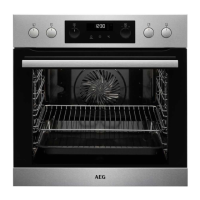
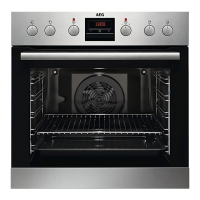
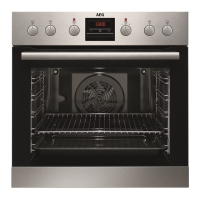
Model identification EPE63522BM 940321389
Energy Efficiency Index 81.2
Energy efficiency class A+
Energy consumption with a standard load, conventional mode 1.09 kWh/cycle
Energy consumption with a standard load, fan-forced mode 0.69 kWh/cycle
Number of cavities 1
Heat source Electricity
Volume 71 l
ENGLISH 41



 To Next Page