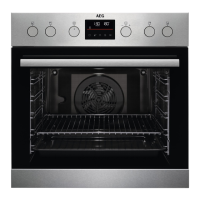
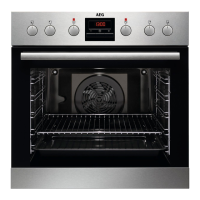
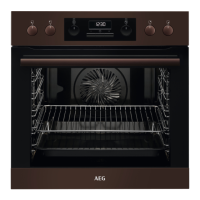
Sensor
field
Function Comment
7
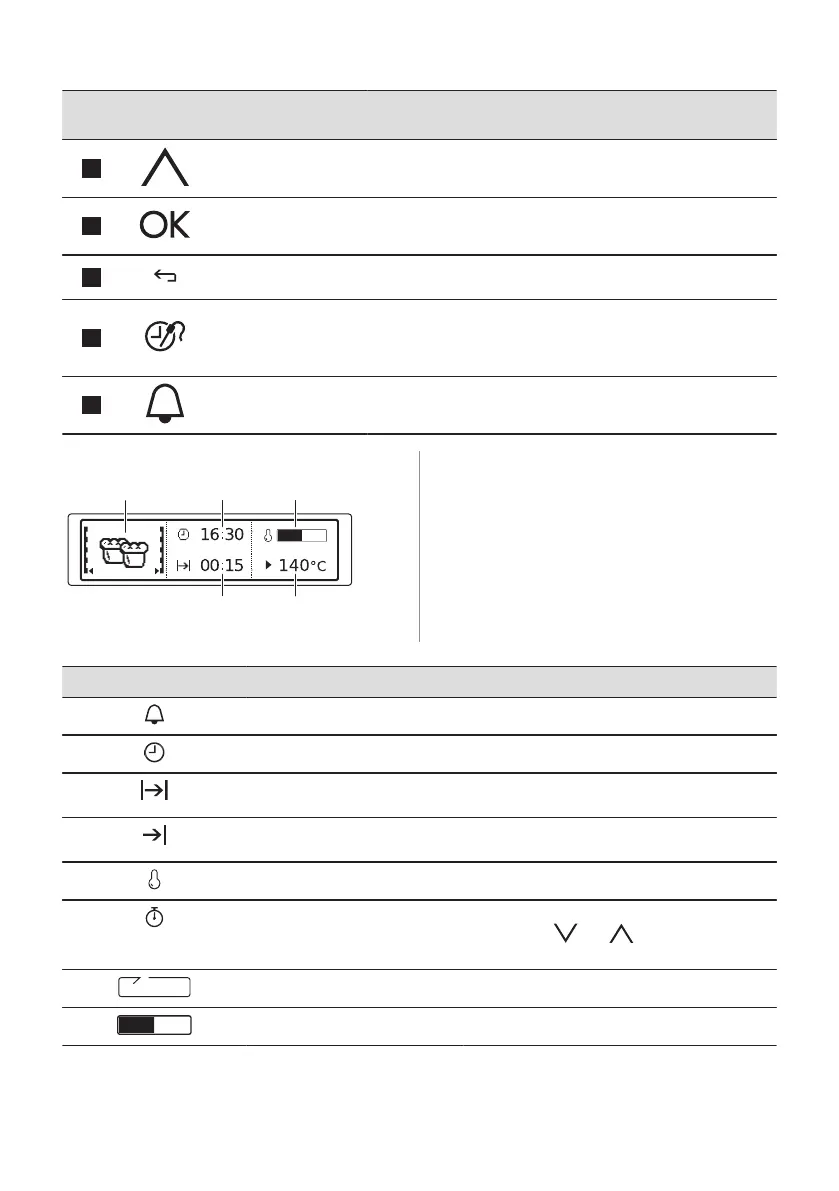
Up key To move up in the menu.
8
OK To confirm the selection or setting.
9
Back key To go back one level in the menu. To show the main menu,
press the field for 3 seconds.
10
Time and additional
functions
To set different functions. When a heating function works, press
the sensor field to set the timer or the functions: Function Lock,
Favourites, Heat + Hold, Set + Go. You can also change the
settings of the core temperature sensor.
11
Minute Minder To set the function: Minute Minder.
4.2 Display
A. Heating function
B. Time of day
C. Heat-up indicator
D. Temperature
E. Duration time / end time of a function
Other indicators of the display:
Symbol Function
Minute Minder The function works.
Time of day The display shows the current time.
Duration The display shows the necessary time for cook‐
ing.
End Time The display shows when the cooking time is
complete.
Temperature The display shows the temperature.
Time Indication The display shows how long the heating function
works. Press and at the same time to
reset the time.
Calculation The oven calculates the time for cooking.
Heat-up Indicator The display shows the temperature in the oven.
ENGLISH 9



 To Next Page