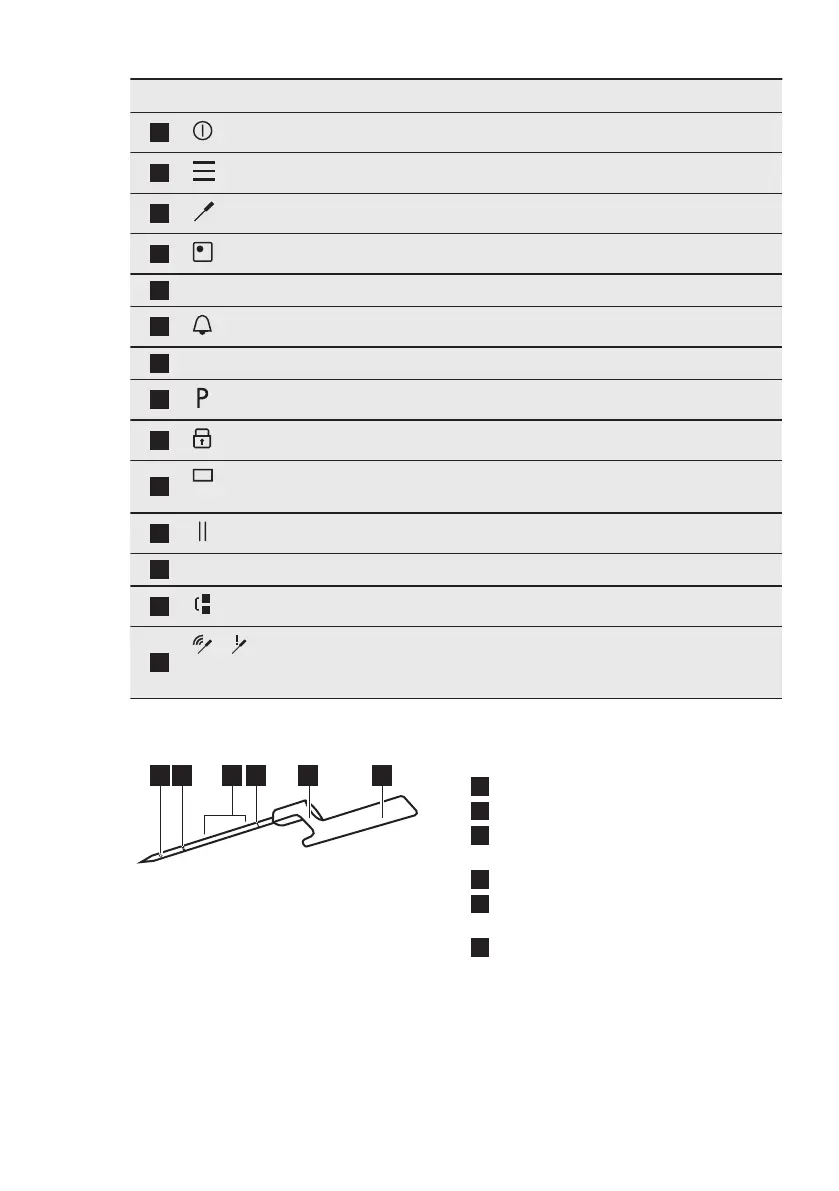
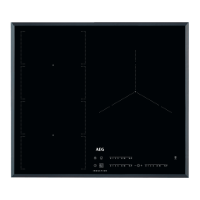
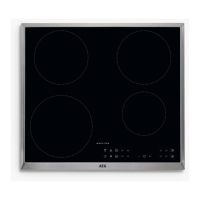
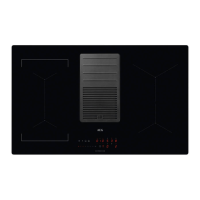
Symbol Comment
1
ON / OFF To activate and deactivate the hob.
2
Menu To open and close the Menu.
3
Food Sensor To open the Food Sensor menu.
4
Zone selection To open the slider for the selected zone.
5
- Zone indicator To show for which zone the slider is active.
6
- To set the timer functions.
7
- Slider To adjust the heat setting.
8
PowerBoost To activate the function.
9
Lock To activate and deactivate the function.
10
- The window of the Hob²Hood infrared signal com-
municator. Do not cover it.
11
Pause To activate and deactivate the function.
12
0 - 9 - To show the current heat setting.
13
Bridge To activate and deactivate the function.
14
/
Signal indicators Full connection / No signal. To show the signal
strength of the connection between the Food Sen-
sor and the antenna.
4.3 Food Sensor
1
Measurement point
2
Minimum level mark
3
Recommended immersion range (for
liquids)
4
Calibration code
5
Hook for placing the Food Sensor on
the rim
6
Handle with antenna inside
The Food Sensor is a wireless
temperature probe operating without a
battery, delivered in a packaging with
the hob. Inside its handle there is an
antenna. Another antenna is located
below the hob surface, in the area
between the two rear cooking zones. To
ensure proper communication between
the Food Sensor and the hob do not put
anything on the hob in this area.
The measurement point is located
halfway between the tip and the
minimum level mark. Insert the Food
ENGLISH 9


 To Next Page