6. DAILY USE
WARNING!
Refer to Safety chapters.
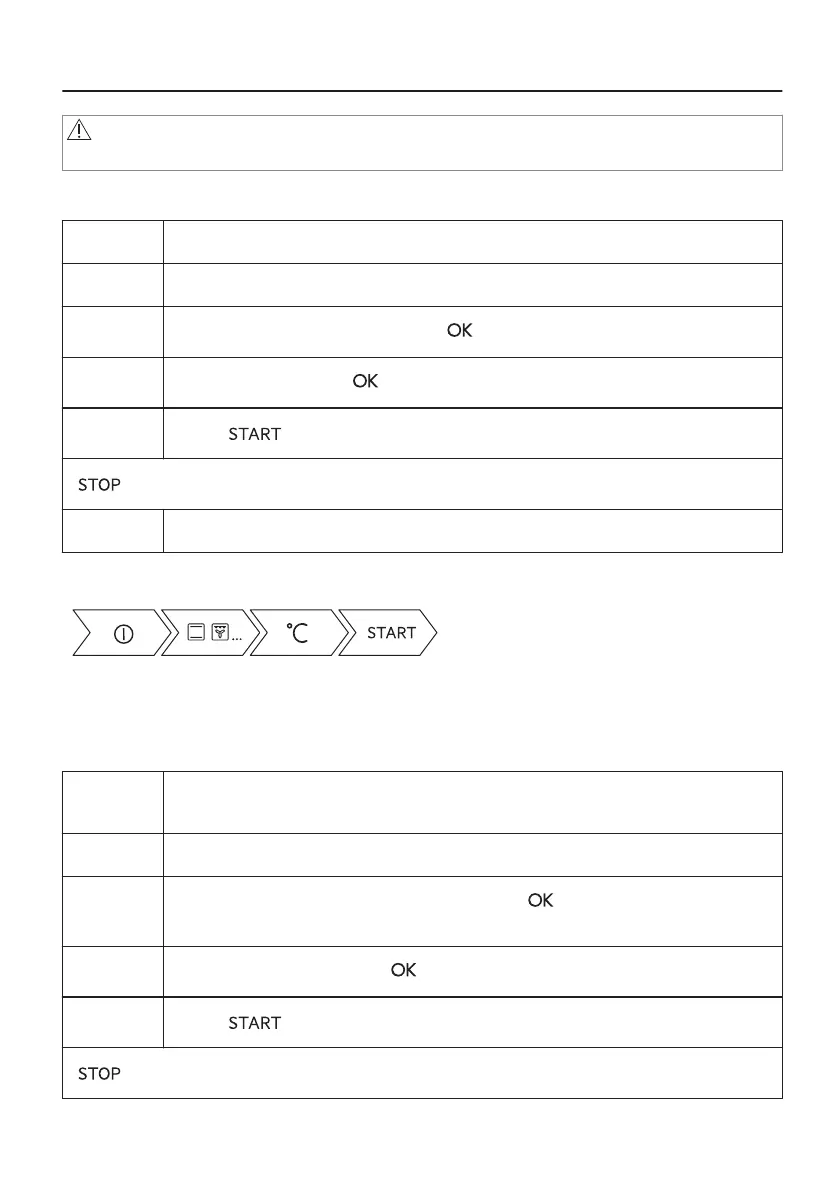
6.1 How to set: Heating functions
Step 1 Turn on the oven. The display shows the default heating function.
Step 2 Press the symbol of the heating function to enter the submenu.
Step 3
Select the heating function and press: . The display shows: temperature.
Step 4
Set: temperature. Press: .
Step 5
Press: .
- press to turn off the heating function.
Step 6 Turn off the oven.
Take a shortcut!
6.2 How to set: Microwave heating functions
Step 1 Remove all accessories and turn on the oven.
Insert microwave bottom glass plate.
Step 2 Press the symbol of the heating function to enter the submenu.
Step 3
Select the microwave heating function and press: . The display shows: micro‐
wave power.
Step 4
Set: microwave power. Press: .
Step 5
Press: .
- press to turn off the function.
18/48


 To Next Page