Step 6 Turn off the oven.
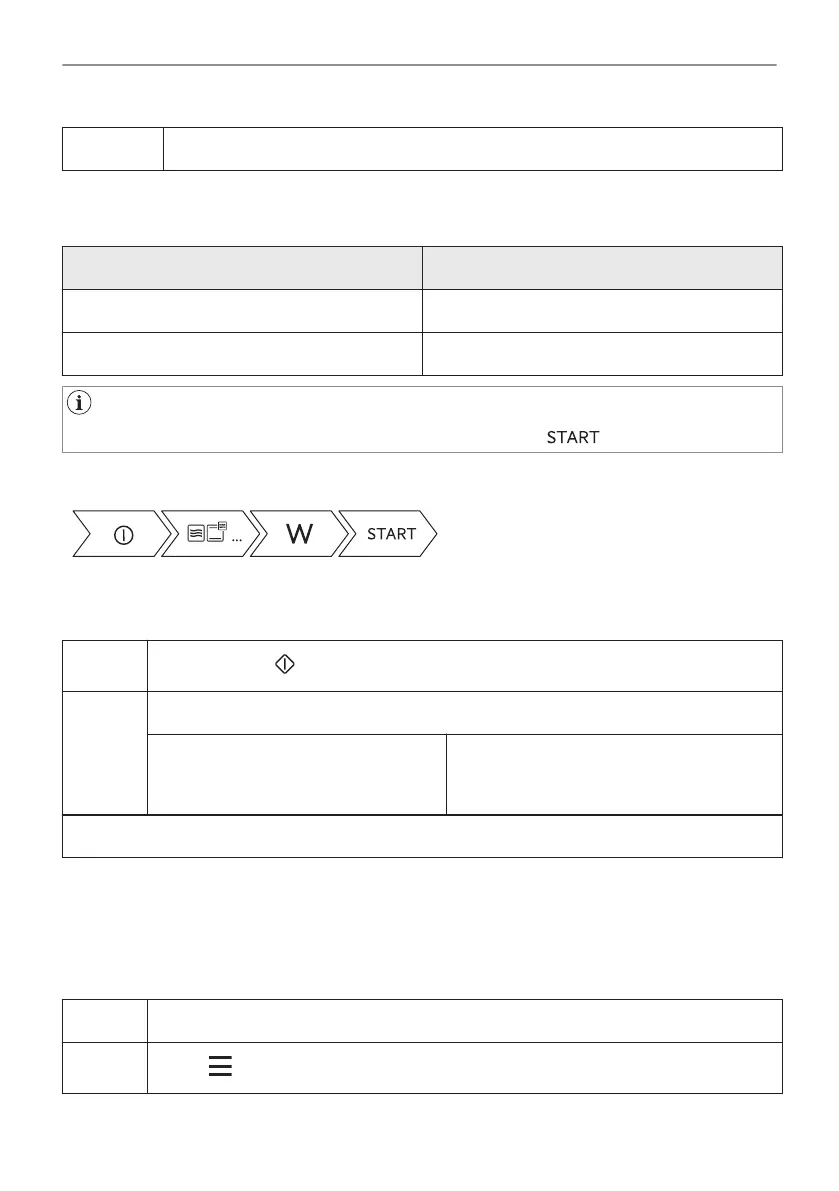
The maximum time of microwave functions depends on microwave power you
set:
MICROWAVE POWER MAXIMUM TIME
100 - 600 W 90 minutes
More than 600 W 7 minutes
If you open the door, the function stops. To start it again, press .
Take a shortcut!
6.3 How to use: Microwave quick start
Step 1
Press and hold: . The microwave runs for 30 s.
Step 2 To extend the cooking time:
Press on the running time value to go
to the time settings. Set the cooking
time.
Press +30 s.
The microwave can be switched on at any time with: Microwave quick start.
6.4 How to set: Assisted Cooking
Every dish in this submenu has a recommended function and temperature. You can adjust the
time and the temperature.
For some of the dishes you can also cook with:
• Weight Automatic
Step 1 Turn on the oven.
Step 2
Press: .
19/48
DAILY USE


 To Next Page