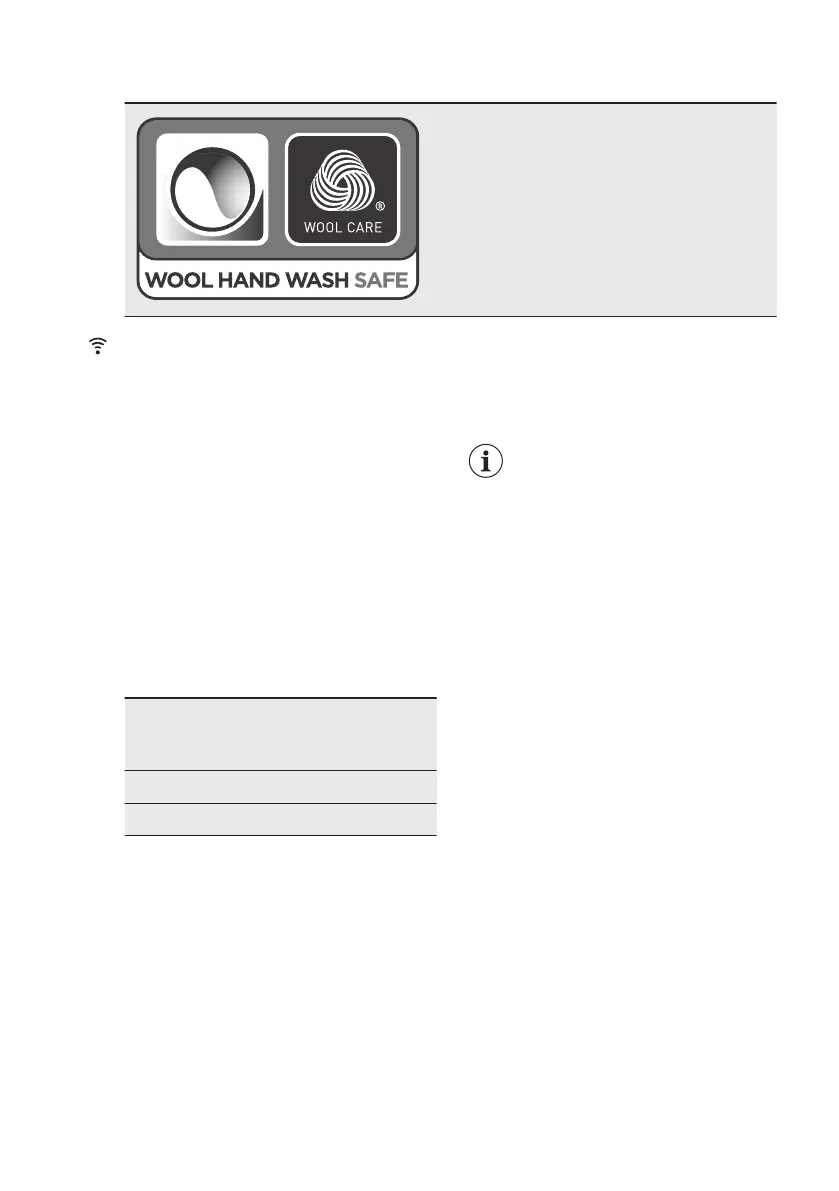
8.3 Woolmark Wool Care - Green
The wool wash cycle of this machine has
been approved by The Woolmark Company
for the washing of wool garments labelled as
«hand wash» provided that the products are
washed according to the instructions on the
garment label and those issued by the manu‐
facturer of this washing machine. M1756
The Woolmark symbol is a Certification mark
in many countries.
9. WI-FI - CONNECTIVITY SETUP
This chapter describes how to connect
the smart appliance to the Wi-Fi network
and to link it to mobile devices.
By this functionality you can receive
notifications, control and monitor your
appliance from your mobile devices.
The Wi-Fi functionality is off as factory
default setting.
To connect the appliance to enjoy the full
range of features and services you need:
• Wireless network at home with
internet connection enabled.
• Mobile device connected to wireless
network.
Frequency 2.412 - 2.472 GHz
for European mar‐
ket
Protocol IEEE 802.11b/g/n
Max Power <20 dBm
9.1 Installing and configuring
My AEG Care
My AEG Care allows you to
control your laundry through
a mobile device.
It contains a large number of
programmes, useful features
and product information
tailored perfectly to the
appliance.
Through the app you can
select the programmes
already available from the
appliance control panel, plus
unlock additional
programmes available only
from a mobile device.
Additional programmes can
change over the time along
with new versions of the
app.
It's personalized laundry
care - all from your mobile
device.
When connecting the appliance to the
application, stand near it with your smart
device.
Make sure that your smart device is
connected to the wireless network.
1. Go to the App Store on your smart
device or scan QR code (
see 'QR
code on rating plate' paragraph
).
2. Download and install the My AEG
Care App.
3. Make sure you started a Wi-fi
connection in the appliance. If not,
www.aeg.com30



 To Next Page