7.5 End a Call
During a call connection, press
O
to end the call.
OR
Put the handset on the base or charger to end the call.
7.6 Turn the Keypad Lock ON/OFF
• In idle, press and hold
to turn on the keypad lock. The “X” icon
is displayed on the LCD.
• To unlock the keypad, press and hold X.
7.7 Find the Handset (PAGING)
Paging is a useful way for finding lost handset(s).
• Press on the base station. All the registered and available
handsets will produce the paging tone and PAGING is displayed
on the LCD.
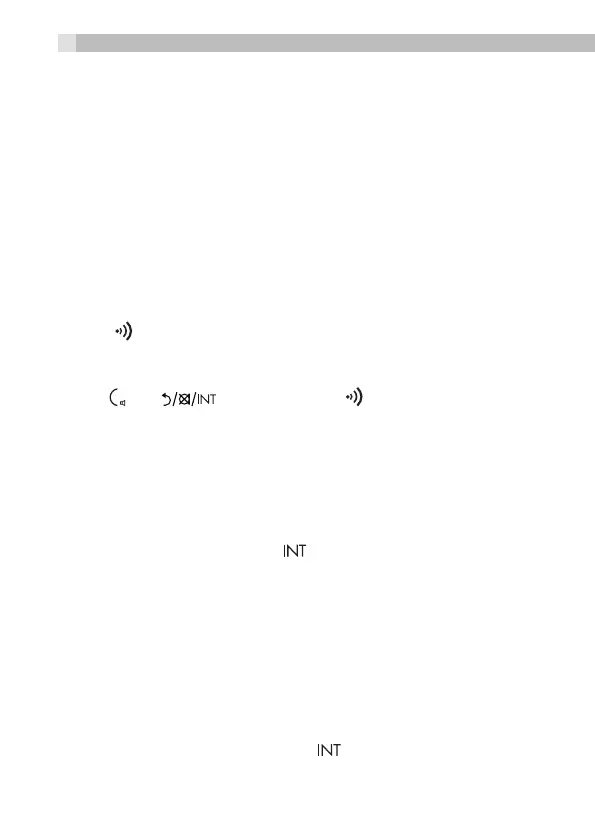
• Press /
O
/ on any handset or on the base station again
to stop paging.
NOTE
If there is an incoming call during paging, the phone will ring with the
incoming call instead of paging.
7.8 Internal call from Base to Handset(s)
• From the Idle mode, press the on the Base
• If there is only one handset registered to the base, it will start ringing
and can be answered by the handset to initiate the intercom call.
• If there are two or more handsets registered to the base, press the
number 1-4 to call that associated handset
• The intercom is terminated when either the base or the handset
ends the call.
7.9 Transfer a call from base to Handset (s)
• During a call on the base, press the button on base
• The external call will be put on hold.
12



 To Next Page