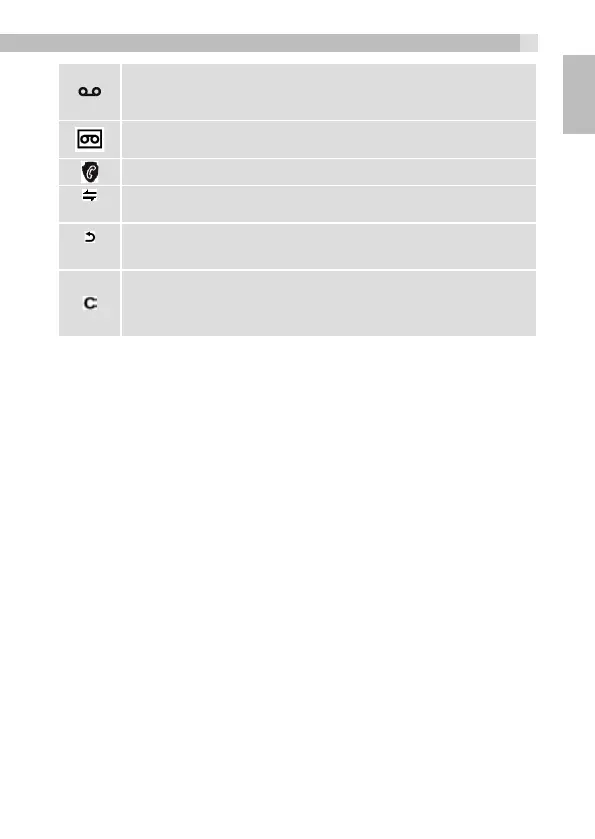
Indicates you have a new voicemail message. (This is a caller
display service and is not usually available from UK network
providers.)
Indicates the answering machine (TAM) is turned on.
Flashes if there is a new TAM message.
Indicates when any block mode is turned on.
(INT)
Press
m
to start an intercom call.
(BACK)
Press
m
to go back to the previous menu or cancel the current
action.
Press
m
to mute / unmute the microphone during a call,
delete characters during predialling / editing or stop an
alarm.
6.4 Text and Digit Entry
In editing mode, a cursor is displayed to indicate the current text entry
position. It is positioned at the right of the last character entered.
Writing Tips:
Once a character is selected, the cursor will move to the next position
after a short pause.
You can move the cursor within the text by.to amend the text
entry.
•Press
m
to delete the last character.
•Press and hold
m
to delete the entire text string.
7 USE YOUR PHONE
7.1 Make a Call
7.1.1 Preparatory Dialing
•Enter the phone number, maximum 24 digits. If you make a mistake,
press
M
to delete the last digit.
•Press
T
to dial the number.
9
UK



 To Next Page