Need help?
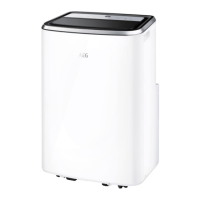
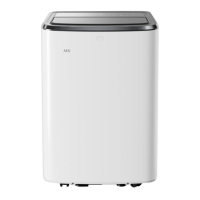
Do you have a question about the AEG PX7 and is the answer not in the manual?
Position the PX7 unit near a window and install the necessary window kit as instructed.
View the provided video for a quick and easy installation guide.
Obtain the mobile application via QR code scan or app store search for device control.
Register a user account by providing email, verification code, and password.
Click 'Confirm' on the app screen to finalize account creation.
Tap the '+' icon in the app to initiate adding your air conditioner.
Identify the air conditioner by scanning its unique QR code.
Power on the AC and hold the Wi-Fi button for 5s until the LED blinks.
Enter your Wi-Fi name and password to connect the device to your network.
Assign a name to your AC and complete the configuration process.
Use the Access Point method if direct connection fails; connect phone to device network.
 General
| Energy Efficiency Class (Cooling) | A++ |
|---|---|
| Energy Efficiency Class (Heating) | A+ |
| Refrigerant | R32 |
| Power Supply | 220-240V, 50Hz |
| Operating Temperature (Heating) | -15°C to 24°C |

 To Next Page