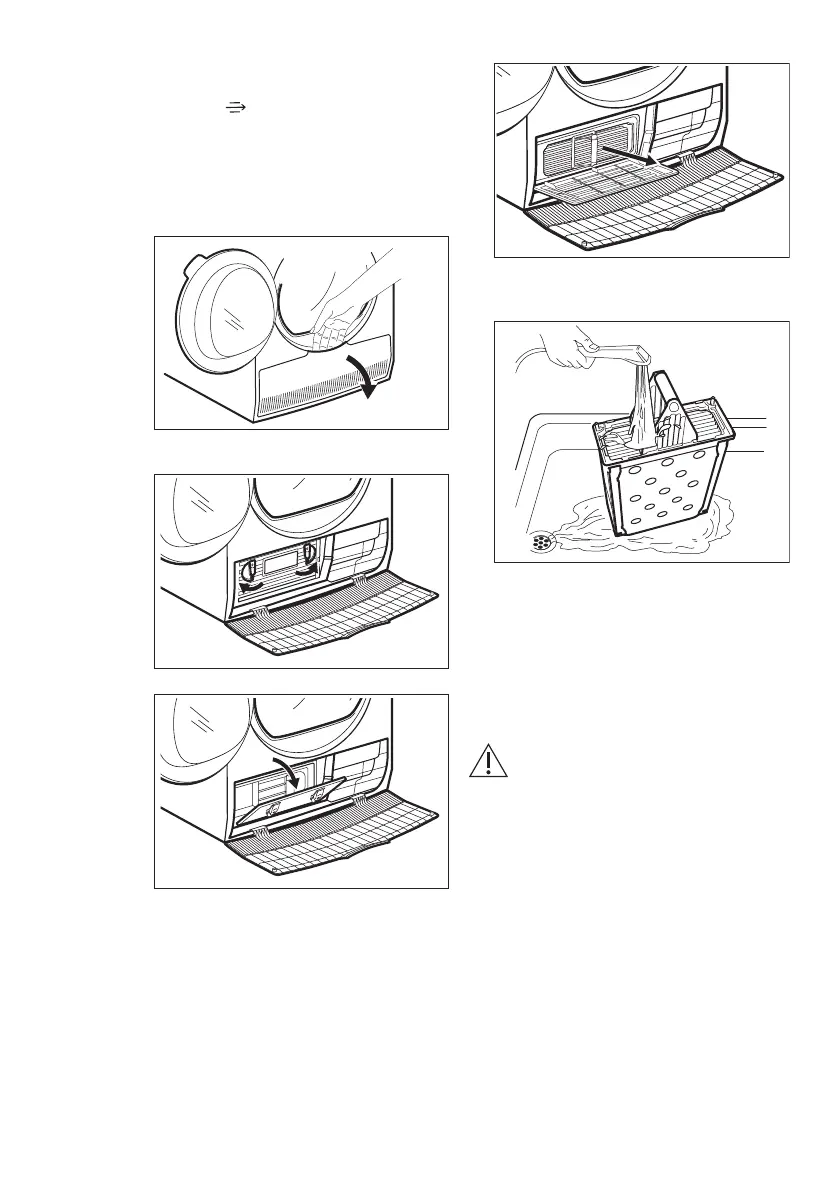
10.3 Cleaning the condenser
If the symbol
condensator
flashes on
the display, inspect the condenser and
its compartment. If it is dirty, clean it.
To inspect:
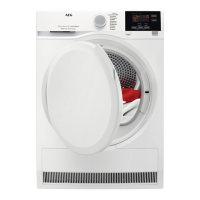
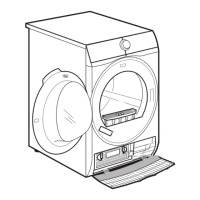
1. Open the door.
2. Open the condenser cover.
3. Turn 2 levers to unlock the
condenser lid.
4. Lower the condenser lid.
5. Catch the handle and pull the
condenser out from the bottom
compartment. Move condenser
horizontally to avoid spilling any
remaining water.
6. Clean the condenser in vertical
position over a basin. Rinse through
with a hand shower.
7. Put the condenser back inside the
bottom compartment.
8. Close the condenser lid.
9. Lock 2 levers until they snap.
10. Close the condenser cover.
10.4 Cleaning the humidity
sensor
CAUTION!
Risk of humidity sensor
damage. Do not use
abrasive materials or steel
wool to clean the sensor.
To assure best drying results the
appliance is equipped with metal
humidity sensor. It is placed on the inner
side of the door area.
Over usage time the surface of the
sensor may get dirty which deteriorates
the drying performance.
We recommend to clean the sensor at
least 3 or 4 times or if you observe the
drop of drying performance.
www.aeg.com18


 To Next Page