6
O
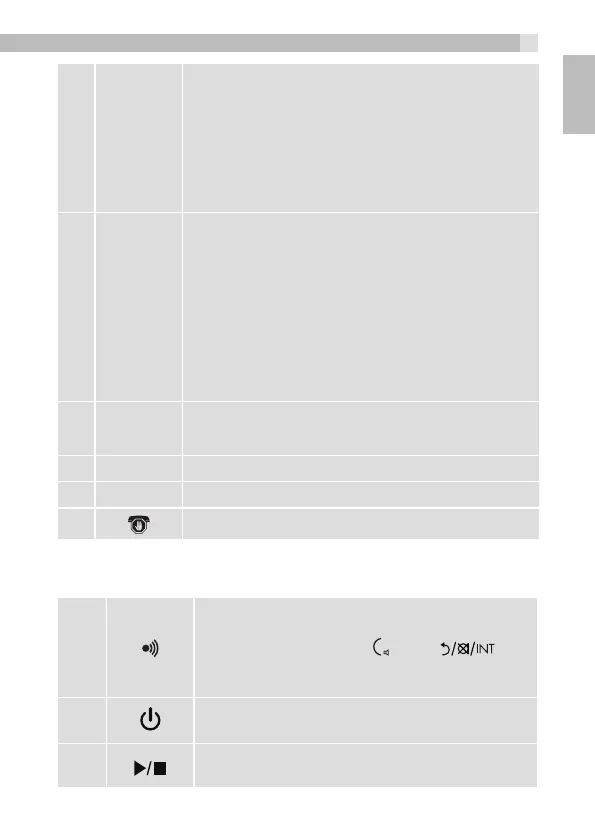
•During a call: Press to end a call and go back to
the idle screen.
•In menu / editing mode: Press to go back to the
previous menu, or press and hold to go back to
the idle screen.
•In idle mode: Press and hold to power on/off the
handset.
7
ALPHA-
NUMERIC
KEYPAD,
*, #
•Presstoinsertadigit/character/*/#
•*keyinidlemode:Pressandholdtoenableor
disable the keypad lock.
•#keyinidlemode:Pressandholdtoturnon/off
the handset ringer.
•# key in predialling / number editing mode:
Press and hold to insert a pause.
•*keyinCallListmode:Presstoviewmoredigits
of the caller’s number if applicable.
8
F
•During a call press to send a Recall signal (also
called Flash) for network services.
9
•Microphone
10
•Speaker
11
•Call blocker
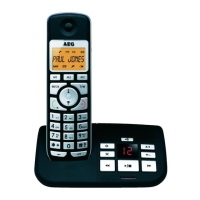
6.2 Base Station Overview(see P4)
12
In idle mode: Press to find/page all
registered cordless handsets. Press the
button again, or press
,
O
or on a
cordless handset, to turn off the page signal.
Press and hold to enter registration mode.
13
ANS ON/OFF - Press to turn the answering
machine on or off.
14
PLAY/STOP - Press to start or stop
message playback.
7
UK



 To Next Page