EasyManua.ls Logo

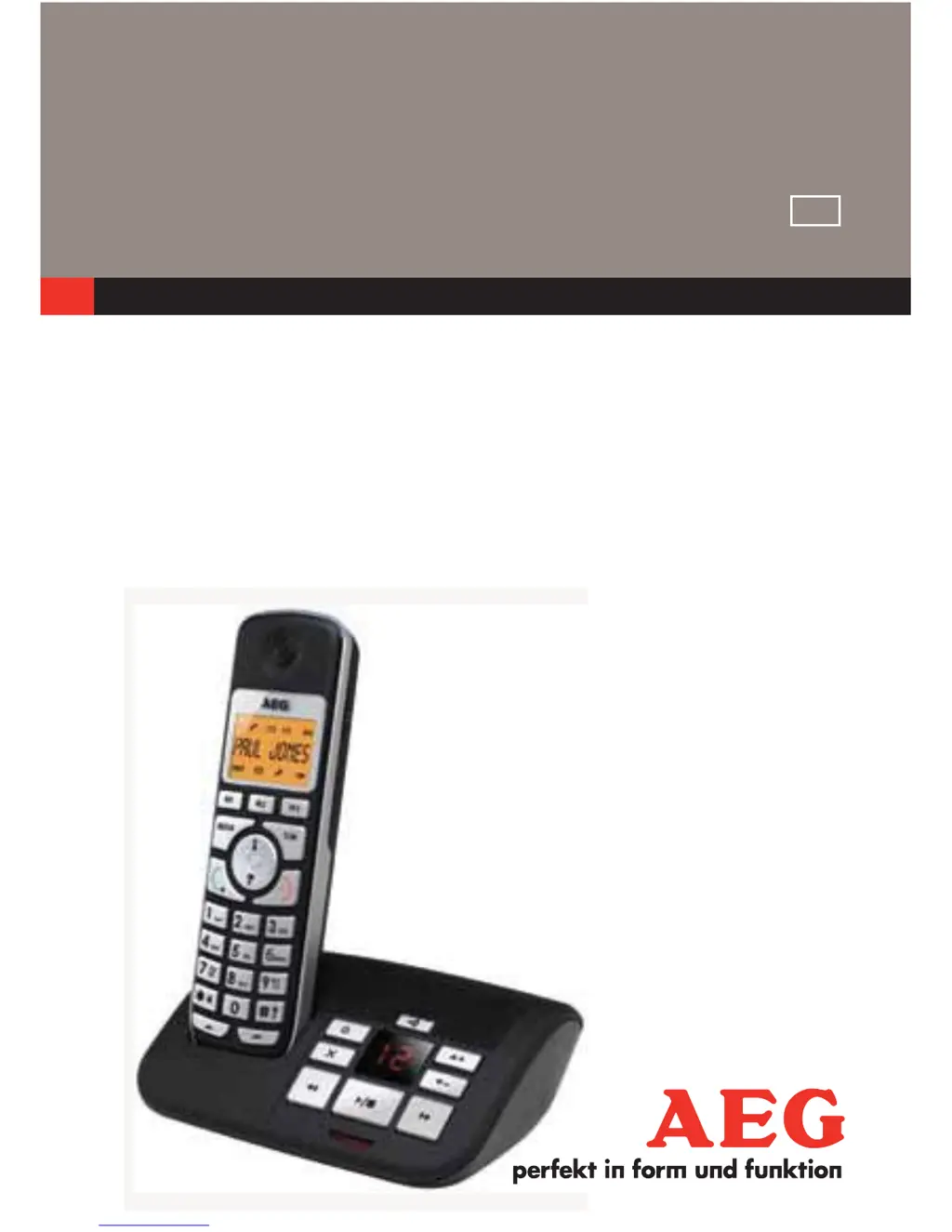
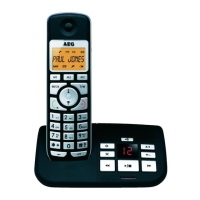
AEG Voxtel S100 - User Manual

AEG Voxtel S100
46 pages
Print Icon
To Next Page IconTo Next Page
Loading...
1
UK
CORDLESS
TELEPHONE
Voxtel S100/105
USER GUIDE
UK
V1

Other manuals for AEG Voxtel S100

Questions and Answers

  • T
    Tyler MontgomeryAug 8, 2025
    How to fix no dial tone on my AEG Voxtel S100 Cordless Telephone?
    • S
      sgreenAug 9, 2025
      If you're not getting a dial tone on your AEG Cordless Telephone, here are a few things to check: * Make sure the base station's connection cord is properly plugged in. Try unplugging it and plugging it back in. Also, verify that the telephone line cord is connected to the base. * Ensure the mains adapter is firmly plugged into the base station. * If another handset is using the base, wait until the line becomes available. * Confirm you are using the original telephone line cord that came with the phone.
  • S
    sandovaljoeAug 13, 2025
    What to do if callers can't leave messages on my AEG Voxtel S100 Cordless Telephone?
    • D
      Diana McculloughAug 13, 2025
      If callers are unable to leave messages on your AEG Cordless Telephone, the answering machine might be turned off. Ensure it is turned on. Also, the message memory could be full, so try erasing any unnecessary messages. Finally, check if the answering mode is set to “Answer only”; if so, change it to “ANS&REC” mode.
  • G
    Gregory WoodsAug 18, 2025
    Why does my AEG Cordless Telephone display 'SEARCH G'?
    • D
      David StoneAug 18, 2025
      If your AEG Cordless Telephone displays “SEARCH‘G“, it could be due to the base station being out of range. Try reducing the distance between the handset and the base station. Alternatively, the base station might not be connected to the mains. Ensure the base station is properly connected to a power outlet.
  • W
    williammendezAug 23, 2025
    What to do if my AEG Voxtel S100 Cordless Telephone has connection problems with PBX?
    • C
      Charles KennedyAug 25, 2025
      If you experience no or wrong connection after dialing when your AEG Cordless Telephone is connected to a PBX, a dialing prefix might be needed. Try inserting the appropriate dialing prefix before the number.
  • M
    Matthew WheelerAug 28, 2025
    Why does my AEG Voxtel S100 stop recording when it rings?
    • G
      Geoffrey BrownAug 28, 2025
      If your AEG Cordless Telephone stops recording an outgoing message or listening to messages when it rings, it is likely because a call is being received. Answer the incoming call, and then try again to record your outgoing message later.
  • L
    Lauren GraySep 2, 2025
    How to fix no display on AEG Voxtel S100?
    • J
      Jessica SingletonSep 2, 2025
      If there is no display on your AEG Cordless Telephone, the battery may be empty. Recharge the battery.

Summary

Safety and Installation

Important Safety Instructions

Essential precautions for safe operation, including fire prevention and electrical shock avoidance.

Installing Your Phone

Step-by-step guide for connecting the base station and installing batteries for the telephone.

Phone Operation Basics

Phone Overview

Familiarize with handset and base station components, including buttons and display icons.

Making and Receiving Calls

Instructions on how to dial numbers, answer incoming calls, and end conversations.

Advanced Features

Phonebook and Contacts Management

Adding, searching, editing, and deleting contacts, including setting fast dial numbers.

Answering Machine Functions

Setup, operation, and management of the integrated answering machine, including remote access.

Troubleshooting and Support

Troubleshooting Common Issues

Solutions for problems like no dial tone, display errors, and call connectivity issues.

Guarantee and Technical Details

Information on product warranty, technical specifications, and environmental disposal guidelines.

AEG Voxtel S100 Specifications

General IconGeneral
Number of Ringtones10
Talk Time10 hours
Standby Time100 hours
Caller IDYes
Answering MachineNo
IntercomYes
Number of Handsets1
Range300 meters
Frequency1.9 GHz

Related product manuals