EasyManua.ls Logo

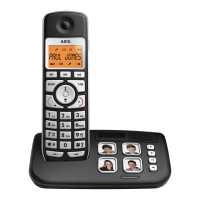
AEG Voxtel S120 - User Manual

AEG Voxtel S120
42 pages
Print Icon
To Next Page IconTo Next Page
Loading...
1
UK
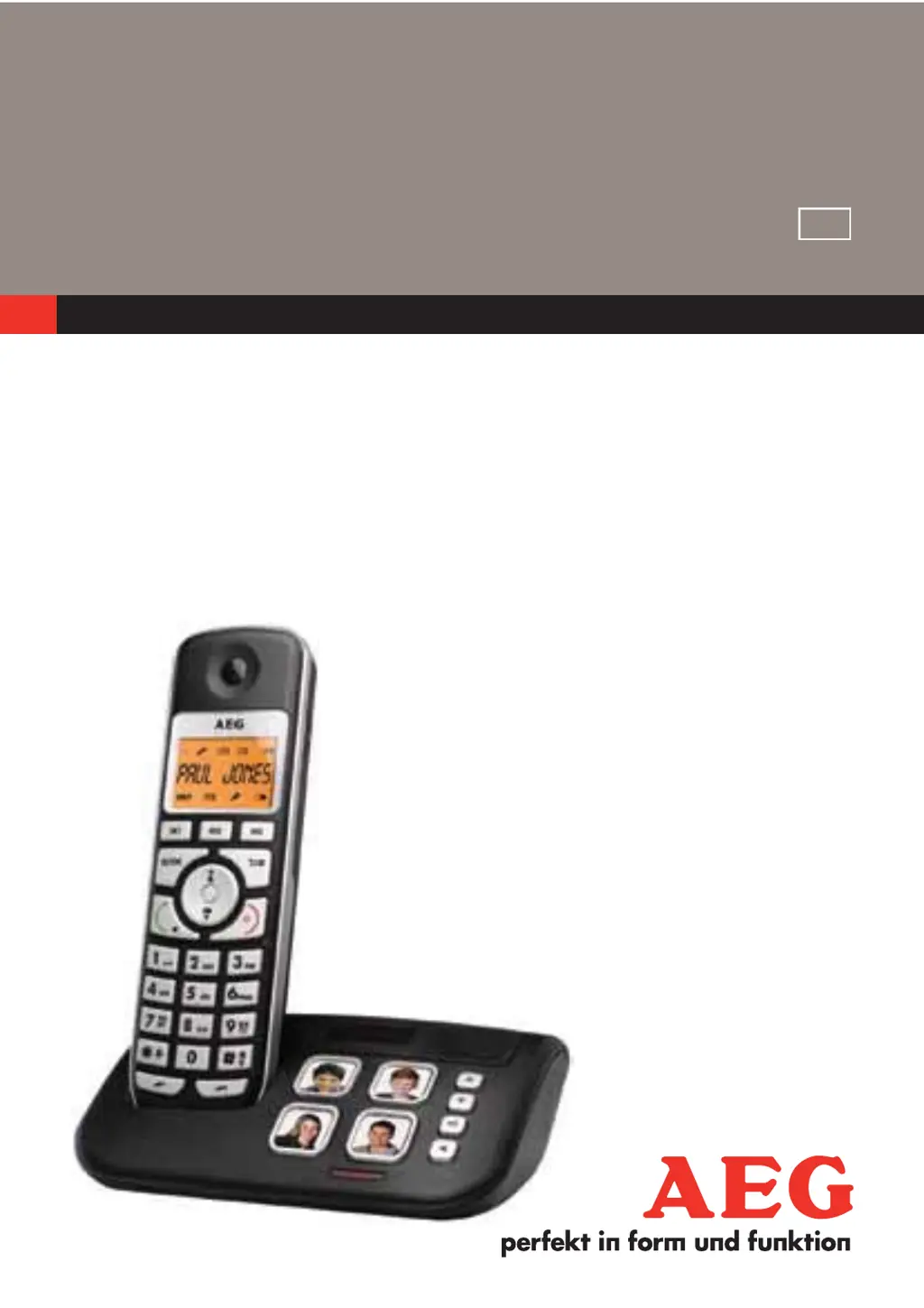
CORDLESS
TELEPHONE
Voxtel S120
USER GUIDE
V1
UK

Other manuals for AEG Voxtel S120

Questions and Answers

  • G
    garciarichardAug 10, 2025
    How to fix no dialing tone on my AEG Voxtel S120?
    • S
      Susan HarrisAug 11, 2025
      If your AEG Cordless Telephone shows no dialing tone when you press a key, first, check that the connection cord of the base station is properly plugged in. Unplug it and plug it back into the mains. Also, ensure the telephone line cord is connected to both the base station and the phone socket. Another potential cause is that the adapter cord isn't correctly plugged into the base station; check both the base station plug and the 220V plug by removing and re-inserting them. If another handset is in use, the line may be busy, so wait until it's free. Finally, ensure you are using the original connection cord, as a wrong cord could also be the issue.
  • P
    Phillip McgrathAug 18, 2025
    What to do if my AEG Cordless Telephone displays “WAITING“?
    • N
      Nancy AndersonAug 18, 2025
      If your AEG Cordless Telephone displays “WAITING“, it indicates that the handset has lost its connection with the base. Try reducing the distance between the handset and the base station. Alternatively, the base station may not be connected to the mains, so ensure it is properly connected.
  • E
    Eric MckayAug 26, 2025
    What to do if my AEG Voxtel S120 Cordless Telephone has no display?
    • K
      Kari PowersAug 26, 2025
      If your AEG Cordless Telephone has no display, the battery is likely empty. Recharge the battery.
  • S
    Samantha CruzSep 2, 2025
    How to fix connection issues with my AEG Cordless Telephone on a PBX?
    • J
      Jeanette WilliamsSep 2, 2025
      If you experience no or wrong connection after dialing when connecting your AEG Cordless Telephone to a PBX, you might need to insert a dialing prefix.

Summary

Important Safety Precautions

Phone Overview

Handset Overview

Explains the physical components and buttons of the telephone handset.

Base Station Overview

Details the components and functions of the telephone base station.

Phone Installation

Connecting the Base Station

Guides on how to connect the base station to power and the telephone line.

Installing and Charging the Batteries

Instructions for inserting and charging the handset batteries.

Operating Your Phone

Making a Call

Provides steps for initiating calls via different methods.

Making a Call from Direct Access Memory

Explains how to use speed dial memory keys for calls.

Answering a Call

Details the procedures for answering incoming calls on handset and base.

Ending a Call

Instructions on how to terminate an ongoing call.

Muting a Call

How to temporarily disable the microphone during a call.

Making an Internal Call

Initiating calls between registered handsets.

Phonebook Management

Adding a New Contact Entry

Instructions for saving new contact details into the phonebook.

Editing a Contact Entry

Steps to modify existing contact details.

Caller ID Features

Viewing the Call Log

Instructions for accessing and reviewing the history of received calls.

System Settings

Clock Settings

Guides on setting the date and time formats and values.

Care Voice Feature

Handset Configuration

Base Station Configuration

De-registering a Handset

Process for removing a handset from the base station.

Troubleshooting Guide

Cleaning and Maintenance

AEG Voxtel S120 Specifications

General IconGeneral
TypeCordless Telephone
Number of Handsets1
Talk Time10 hours
Standby Time100 hours
Caller IDYes
Phonebook Capacity50 entries
Ringer melodies10
Handset SpeakerphoneNo
IntercomNo
Answering MachineNo
Frequency1.9 GHz
Range300 meters (outdoor), 50 meters (indoor)
DisplayLCD

Related product manuals