3
4 UNPACKING YOUR PHONE
In the box you will find:
t1 Base unit
t1 Handset
t1 Coiled handset cord
t1 Mains power adaptor for the base station
t1 Telephone line cord for the base station
t1 User manual
Keep the packing materials in a safe place in case you later need to transport the device.
5 GETTING TO KNOW YOUR PHONE
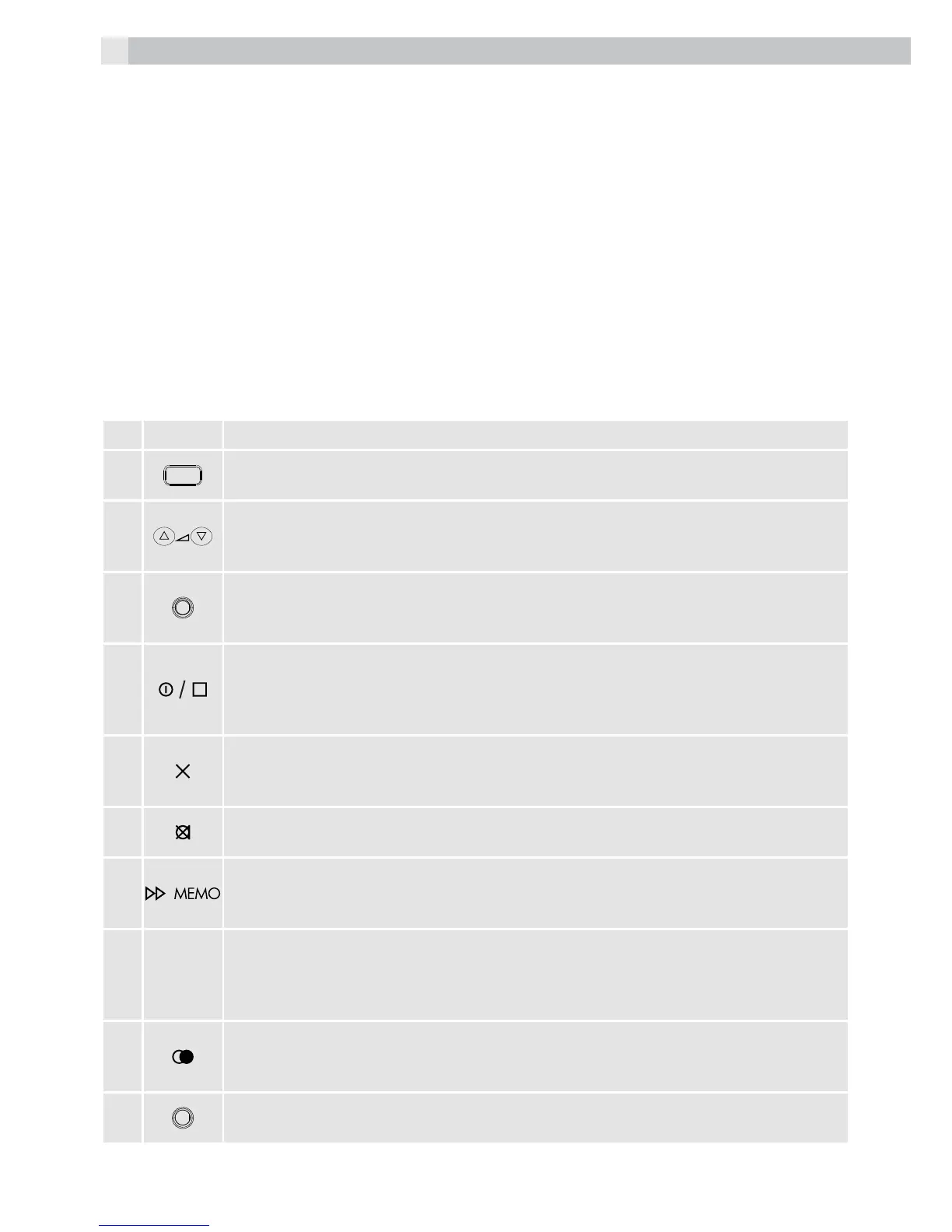
5.1 Base station (see P1)
# Meaning
1
Ringer light
tThis flashes when the phone is ringing for an incoming call.
2
Volume +, volume - (up / down) buttons
tDuring speakerphone or TAM operation, press to adjust the volume.
tIn lists, press to step through options
3
Message light
tTurns on when the TAM is on.
tFlashes when you have new TAM messages.
4
On/off button
tDuring recording or playback, press to stop.
tIn standby, press and hold to switch the answering machine on or off.
tWhen the TAM is on press to select OGM1 or OGM2.
5
Delete button
tPress to delete individual messages, memos, stored numbers or caller display
records.
6
Mute button
tDuring a call, press to mute the microphone or mouthpiece.
7
Memo button
tIn standby, press and hold to record a memo.
tDuring message playback, press to skip to the next message.
8
R
Recall / exit button
tYou may need the recall function if your phone is connected to a PBX, or if you
use BT calling features
tWhen in menus or pre-dialling, press to exit from the function.
9
Redial / pause button
tIn standby, press to access the redial list.
tDuring dialling, press to insert a pause.
10
Speakerphone light
tTurns on when the speakerphone is on.



 To Next Page