5
UK
5 GETTING TO KNOW YOUR PHONE
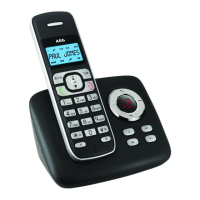
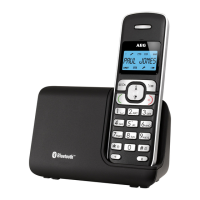
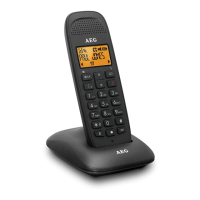
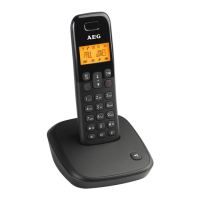
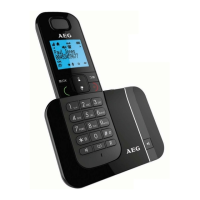
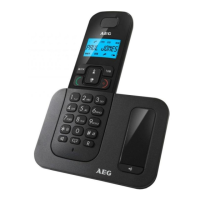
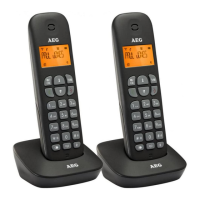
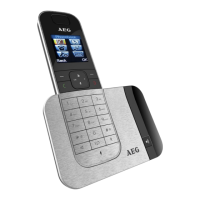
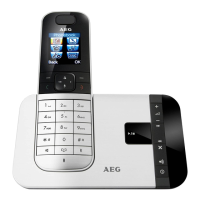
5.1 Handset overview (see P1)
# Meaning
1
Up key
tIn idle mode: press to access the call list
tIn menu mode: press to scroll up the menu items
tIn phonebook list / redial list / call list: press to scroll
up the list
tDuring a call: press to increase the earpiece volume
tDuring ringing: press to increase the ringer volume
2
Right soft key (clear/back/mute/intercom)
tIn main menu mode: press to go back to idle screen
tIn sub-menu mode: press to go back to previous level
tIn sub-menu mode: press and hold to go back to idle
screen
tIn editing / pre-dialling mode: press to clear a
character/digit
tIn editing / pre-dialling mode: press and hold to
delete all the characters / digits
tDuring a call: press to mute / unmute the microphone
tIn idle mode: press to intercom another handset
3
Off / hang up key
tDuring a call: press to end a call and go back to idle
screen
tIn menu / editing mode: press to go back to previous
menu
tIn idle mode: press and hold to power off the handset
tIn idle mode (when the handset is powered off): press
and hold to power on the handset
4
R
Flash key
tIn idle / pre-dialling mode: press to insert a flash
tDuring a call: press to dial a flash


 To Next Page