RevC 07/15/13 Page 24
Infinity: Table Edits and Hot Keys
Table
selection
and
direct
math
function
edits
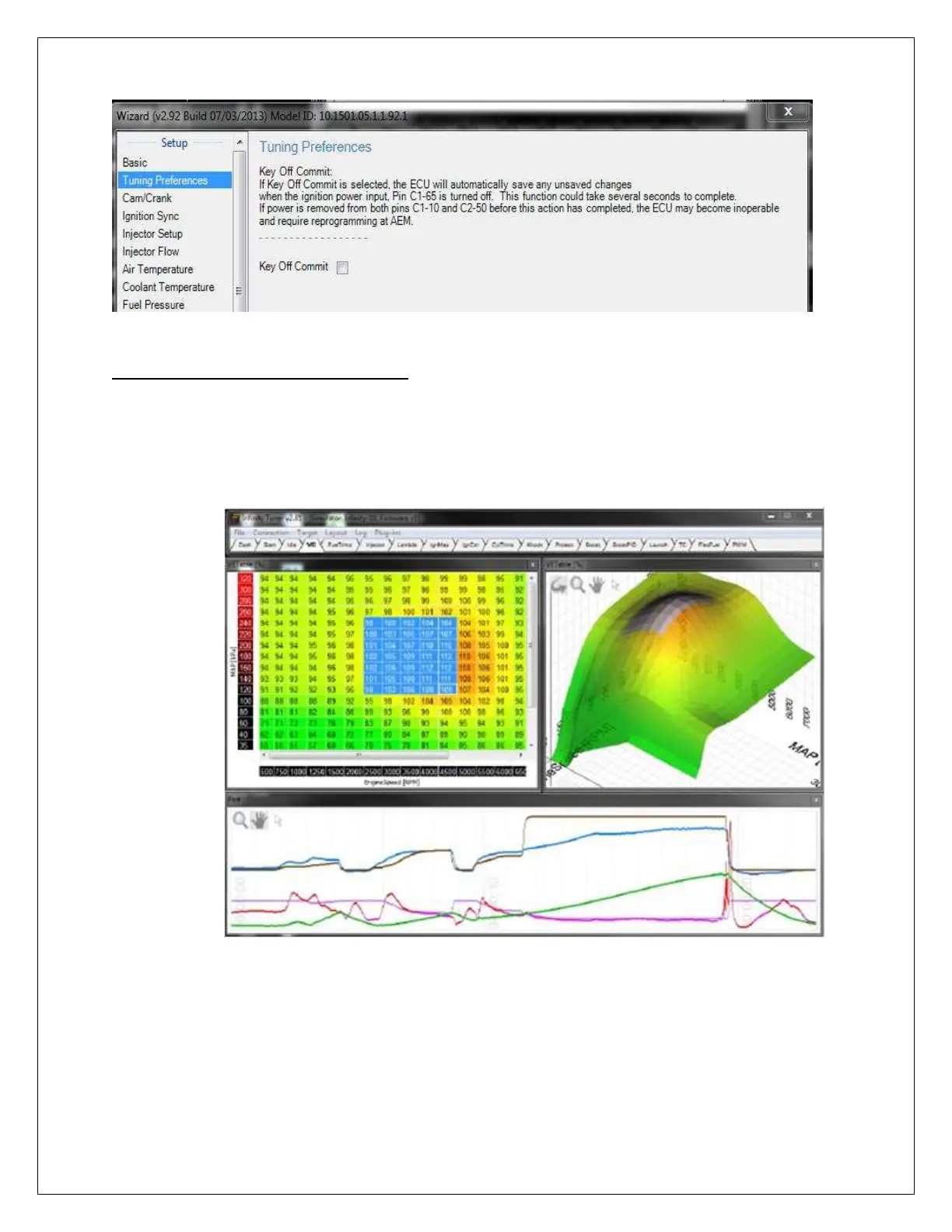
Any math function can be directly applied to cell selections. In the first image below, a
small section of the VE Table is selected using mouse left click and drag or shift + arrow
selection.
The next image shows a direct math function application typed into the table. This
function will be applied to all selected cells. “z” is the current value of the cell “+2” is the
applied math function. In this case the result will be adding “2” to the current value of
each cell. Any valid math operation can be applied using this method.



 To Next Page