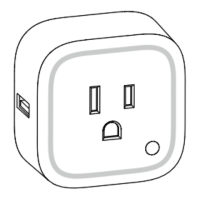
5. If Smart Switch has been successfully added to your Z-Wave network, its RGB
LED will be solid. If the adding was unsuccessful, the red LED will be on for 2 seconds
and then remain colorful gradient status, repeat the instructions from step 4.
6.Press any button on your Minimote to take it out of inclusion mode.
With your Smart Switch now working as a part of your smart home, you’ll be able to
configure it from your home control software. Please refer to your software’s user guide
for precise instructions on configuring Smart Switch to your needs.
Default LED color (Energy Mode).
The color of RGB LED will change according to the output load power level when it is in
Energy mode (default use [Parameter 81 [1 byte] = 0]):
While the Switch is in an ON state:
The colors of the LED will change based on the power being used by the load plugged
into Smart Switch 6.


 To Next Page