6
Key/Display
Operation
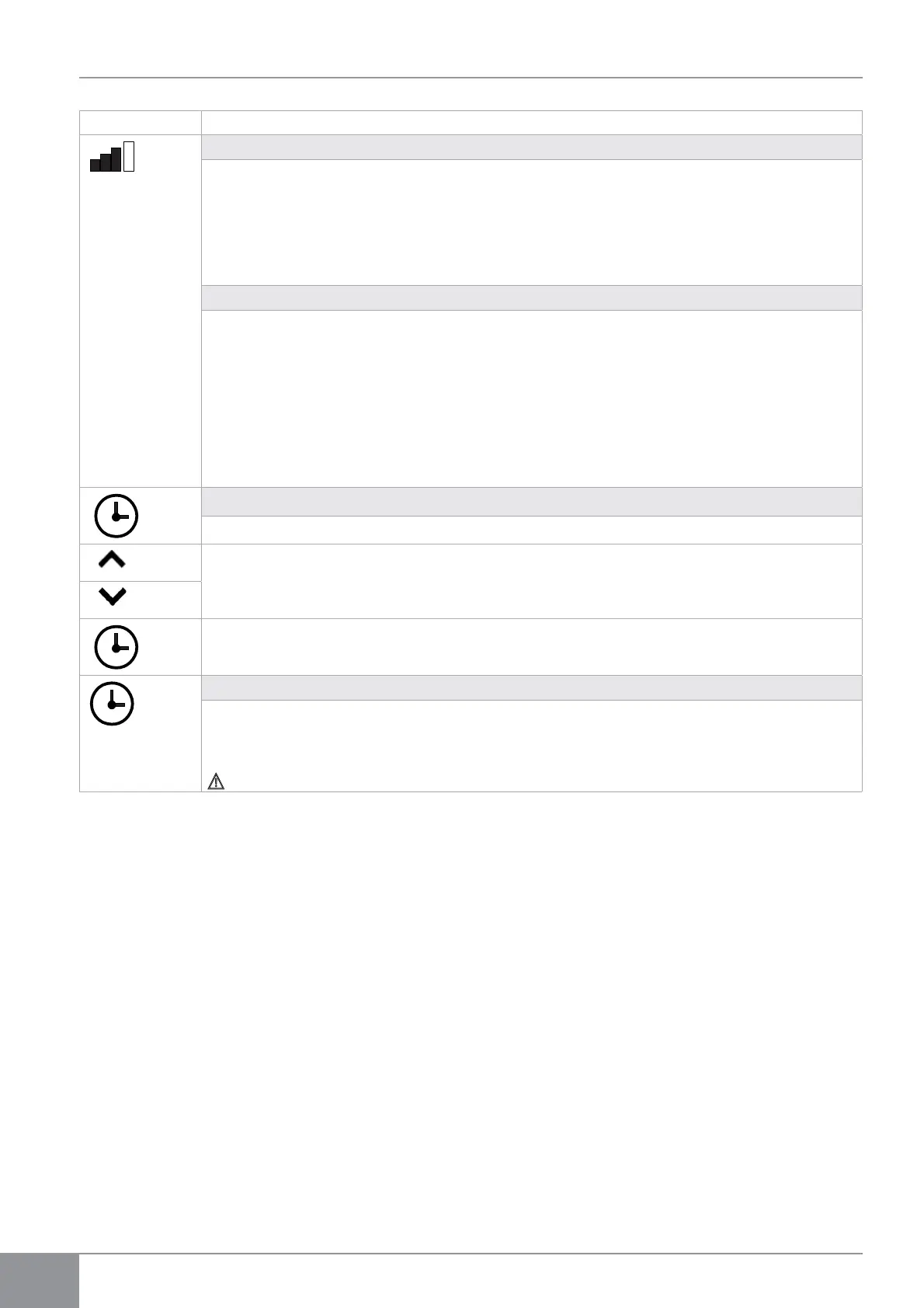
Fan speed control (models 8 and 10)
By pressing this button, the speed changes according to the following sequence: Minimum, Medium, Maximum and
Automatic.
The higher the speed, the better the performance, though the appliance will be more noisy. By selecting the Automatic
speed (which can be visualised by sliding the 3 speed bars on the display), the microprocessor regulates the speed
automatically, increasing or decreasing it according to the difference between the room temperature and the set
temperature. It is not possible to control the speed while in dehumidification only and nocturnal well-being mode, as the
appliance can only work in low speed.
12 HP inverter model power regulation
The power provided by the appliance can be set to 5 positions by pressing this button sequentially: Minimum, Medium,
Maximum, Dual Power and Automatic.
The higher the power set, the higher the performance of the appliance, but the lowest its quietness.
The Dual Power function (that can be recognised through flashing of the 3 speed bars on the display and sliding of the
7 bars, red or blue, of the digital thermometer), only available for heating and cooling, provides a 30-minute Overboost.
By setting the Automatic position (that can be seen by scrolling the three speed bars on the display) the on-board
microprocessor regulates power automatically, and increases it according to the deviation between room temperature
and set temperature. In dehumidification only and nocturnal well-being modes power control is not possible because
the appliance can operate only at minimum power.
Timer mode setting
• The appliance offers Users the chance to programme its activation and deactivation according to their needs.
• While the conditioner is on, it is possible to programme the switch-off time by pressing the Timer button and
setting the number of hours (1 to 24) after which the appliance will be put in stand-by.
• When the conditioner is off, it is possible to programme the switch-on time by pressing the Timer button and
setting the number of hours (1 to 24) after which the appliance will start-up.
• Press the button to confirm.
Touch-screen display key lock
• The key lock is activated by keeping the Timer symbol on the touch-screen display pressed for three seconds.
Any action is prevented by the user. The stand-by symbol flashes at 1 second intervals.
• To deactivate the lock, keep the Timer symbol pressed for three seconds again.
Any key on the remote control deactivates the lock!



 To Next Page