2-88 Subject to Export Control, see Cover Page for details.
2-4. OPERATION UNDER USUAL CONDITIONS
2-4-1. TURN-ON PROCEDURE
Follow these instructions to initialize the 3500 / 3500A:
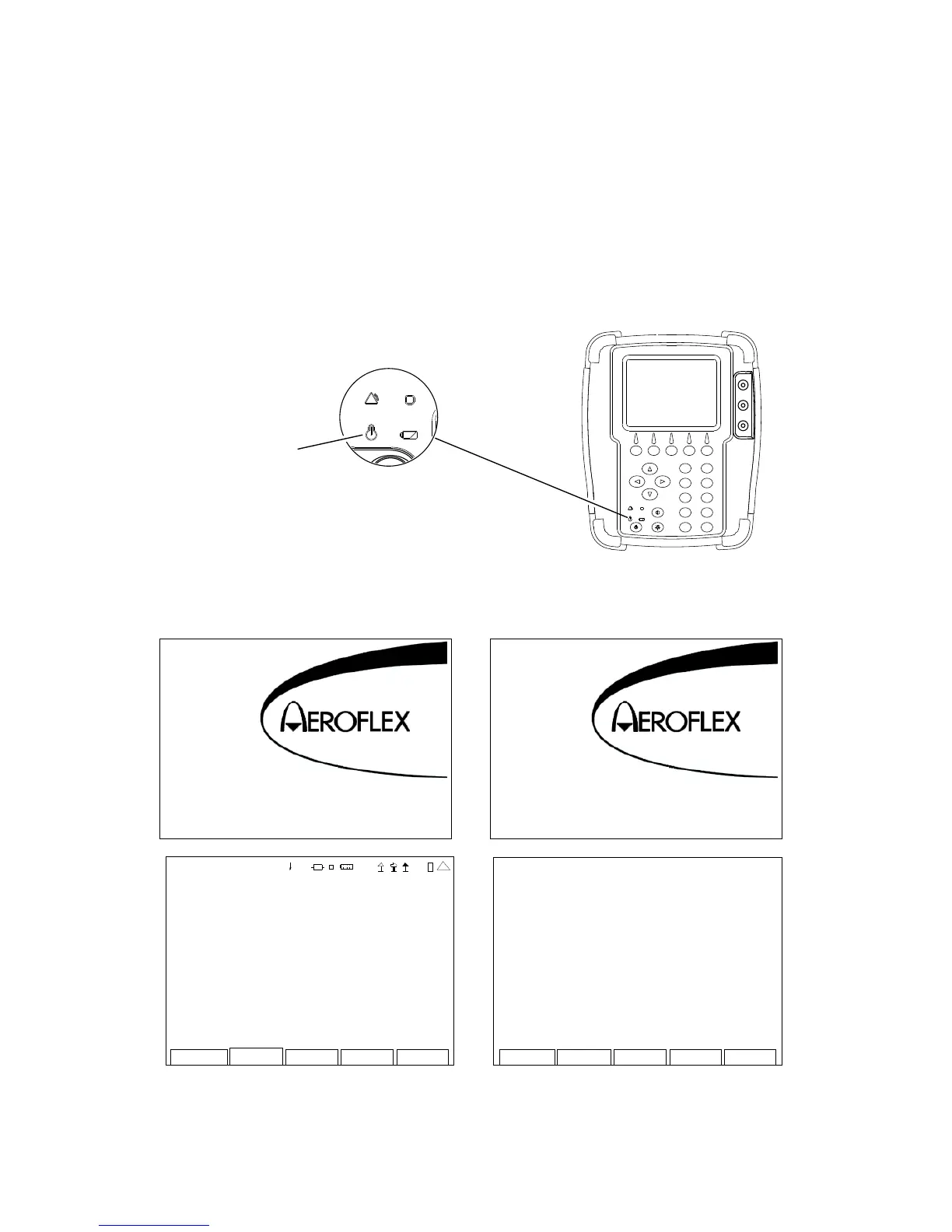
1. Press the POWER Key to initialize the 3500 / 3500A.
2. Verify the POWER Indicator illuminates GREEN.
POWER Indicator
3. The Opening Screen is displayed. When the Test Set is initialized, the Startup Screen is
displayed and then the 3500 / 3500A displays the System Menu.
Copyright (c) Aeroflex Wichita, Inc.
2006 - 2011 All rights reserved.
3500 Series
3500 Series
Loading ...
VERSION
CFM: Release-3_8_0:17-FEB-11
PPC: Release-3_8_0:17-FEB-11
FPG A: 2. 0.53:17 -Feb -1 1
MFIO: 2
RF: 0x1
digital CPLD: 7. 0.21
RF CPLD : 0x93
HW CP LD : 0x0
U-Boot: 1.02.01.01
Colilo: 3.10.00.00
MAC Address: 00:50:31:09:00:00
SERI AL: 30 100 010 6
41 20 29
Me ter s System
Self test
Uti l
1 - DUPL EX TEST
2 - RECEI VER TEST
3 - TRANSMITTER TE ST
4 - ANT-CABLE TEST
5 - AUDIO
This screen is a representation
of the screen that appears.













 To Next Page