4-2 Subject to Export Control, see Cover Page for details.
4-2. INSTALLING OPTIONS
1. Attach the Comm Breakout Box to the REMOTE Connector.
2. Insert the USB Memory Device in the USB Connector on the Comm Breakout Box. The
3500 / 3500A recognizes the USB Memory Device and the USB LED flashes momentarily.
3. Press the F5 “Install” Key.
4. The USB Memory Device LED starts to flash when the Option files are loading. The “Install
Status” Indicator provides messages indicating when the Option load is completed. Allow
approximately one minute for the Options files to load.
5. When the Option files are installed, remove the USB Memory Device.
6. Press the POWER Key to turn the 3500 / 3500A OFF. Press the POWER Key again to turn
the 3500 / 3500A ON.
7. When the System Menu is displayed, press the F5 “Util” Key to display the Utilities Menu.
Press the 6 Key to display the Options Screen.
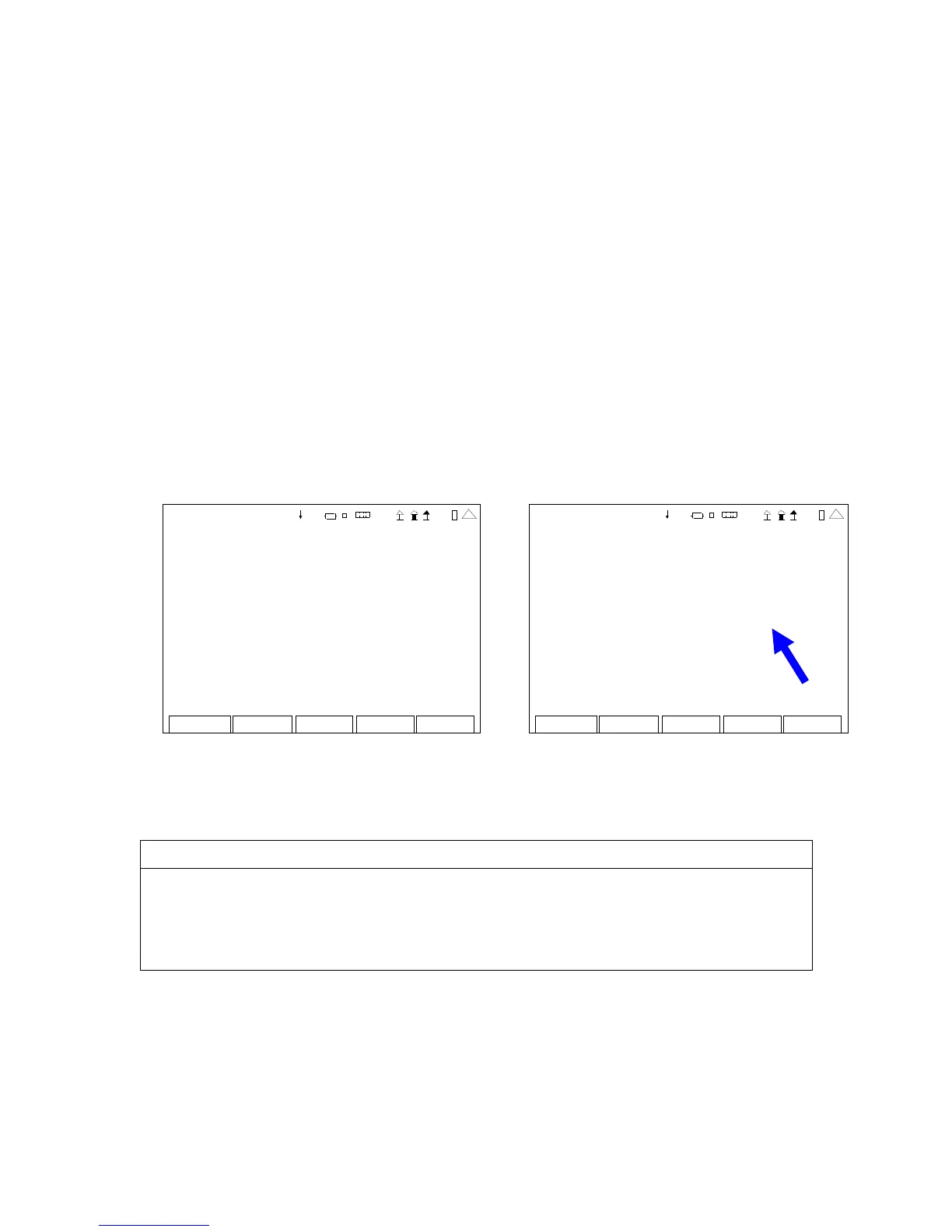
8. Verify the Options are displayed on the Options Screen. To the right of the displayed Option
is the Option expiration date.
(Sample Screen) (Sample Screen)
Return Inst all
OPTIONS
Inst all Stat us: Insta lle d
Unique ID: 820 90 2c34 6237d0 d
41 20 29
Return
Inst all
OPTIONS
Inst all Stat us: Insta lle d
Unique ID: 820 90 2c34 623 7d0 d
35 000010 S co pe Never Expires
35 000001 A nalyzer Never Expir es
35 000070 Tr ackg en Never Expires
35 000100 P 25 Never Expires
35 000060 S cr ipt s Never Expires
41 20 29
(Before Option Install) (After Option Install)
INSTALL TROUBLESHOOTING
Incorrect Unit ID Number and Serial Number
Option files are created for a specific Unique ID (Unit ID) Number and Serial Number
in each 3500 / 3500A. If the Option installation is attempted for a different unit other
than the unit the Option Files were created for, then the Option files are not installed,
the Option Install fails and the “Install Status” indicates “Not For Me.”













 To Next Page