Subject to Export Control, see Cover Page for details. 4-11
4-3-2. SPECTRUM ANALYZER SCREEN FEATURES AND FUNCTIONS (cont)
Edit Return
Ho l d
Nor
ontrol
RBWe(Hz)
9 244 .79 2
Pbw(dB m)
-99 .58 3
Preamp
O ff
ANALY ZER
-1 0
dB m
-7 0
49.5 MHz 50.5
Offset: 0.000000 Pwr Bw: 100 kHz RBW: FlatTop
Peak Hold: On
41 20 29
(Power Bandwidth Mode)
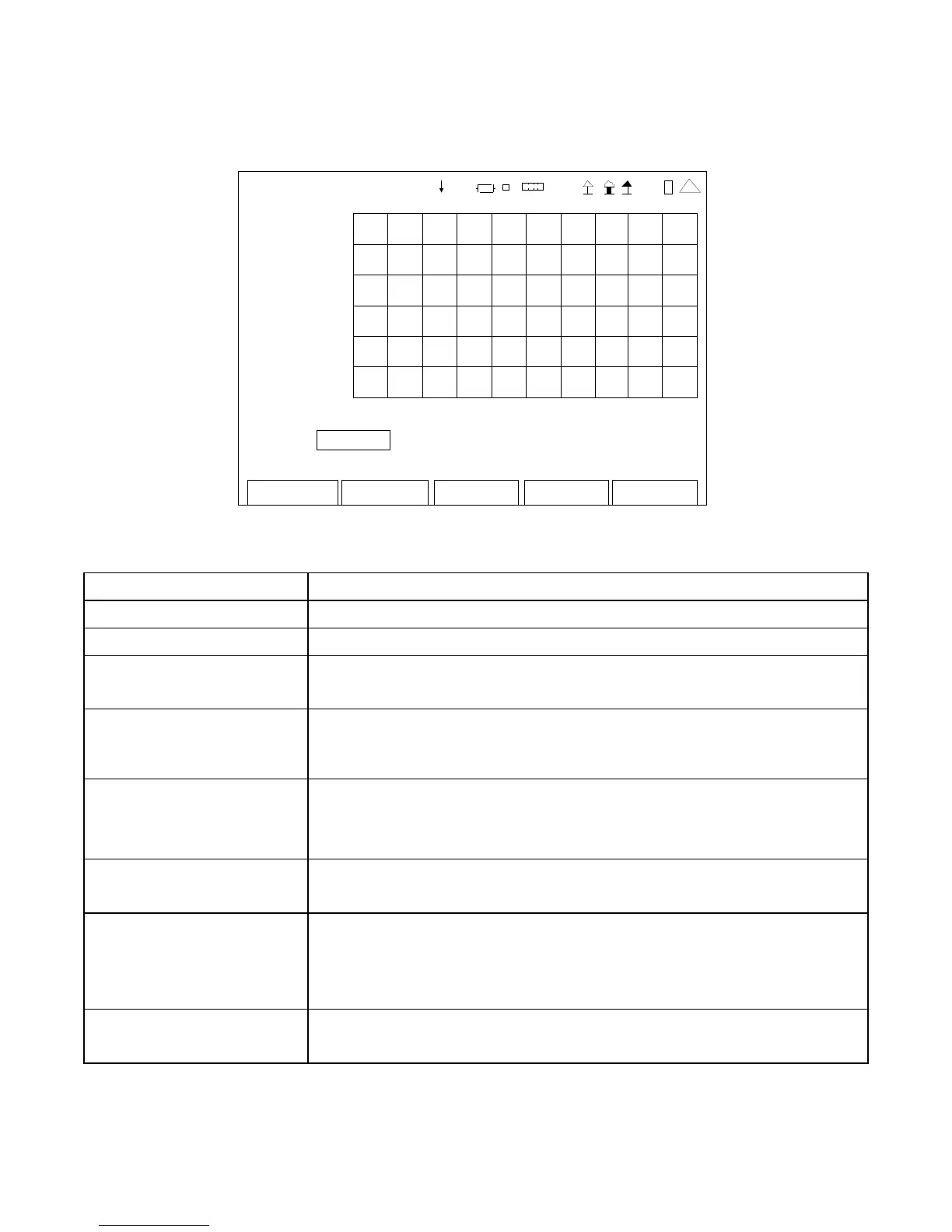
SCREEN FEATURE FUNCTION
RBWe(Hz) Displays the equivalent resolution bandwidth.
Pbw(dBm) Displays the total power inside the power bandwidth markers.
Offset Used to adjust the Marker Offset on the Spectrum Analyzer Screen.
Select: -2.500000 to 2.500000 in 0.000001 increments
Pwr Bw Used to select the Marker Bandwidth.
Select: 1 kHz, 2 kHz, 5 kHz, 10 kHz, 20 kHz, 50 kHz, 100 kHz,
200 kHz, 500 kHz, 1 MHz, 2 MHz or 5 MHz
RBW Used to select the FFT Window.
Select: Hanning (for signals close together)
Flat Top (for measuring power of a signal)
Peak Hold Used to select the Preamp for an additional gain of 20 dB.
Select: On or Off
F1 “Edit” / “Done” / “Next” Edit Highlights the selected field to be changed or changes the
field value if the field only contains two selections.
Done Ends the Field Edit and saves the new setting / value.
Next Displays the next pop-up screen.
F2 “Return” / “Save” Return Displays the System Menu (para 2-2-2)
Save Saves the test screen.













 To Next Page