Subject to Export Control, see Cover Page for details. 4-19
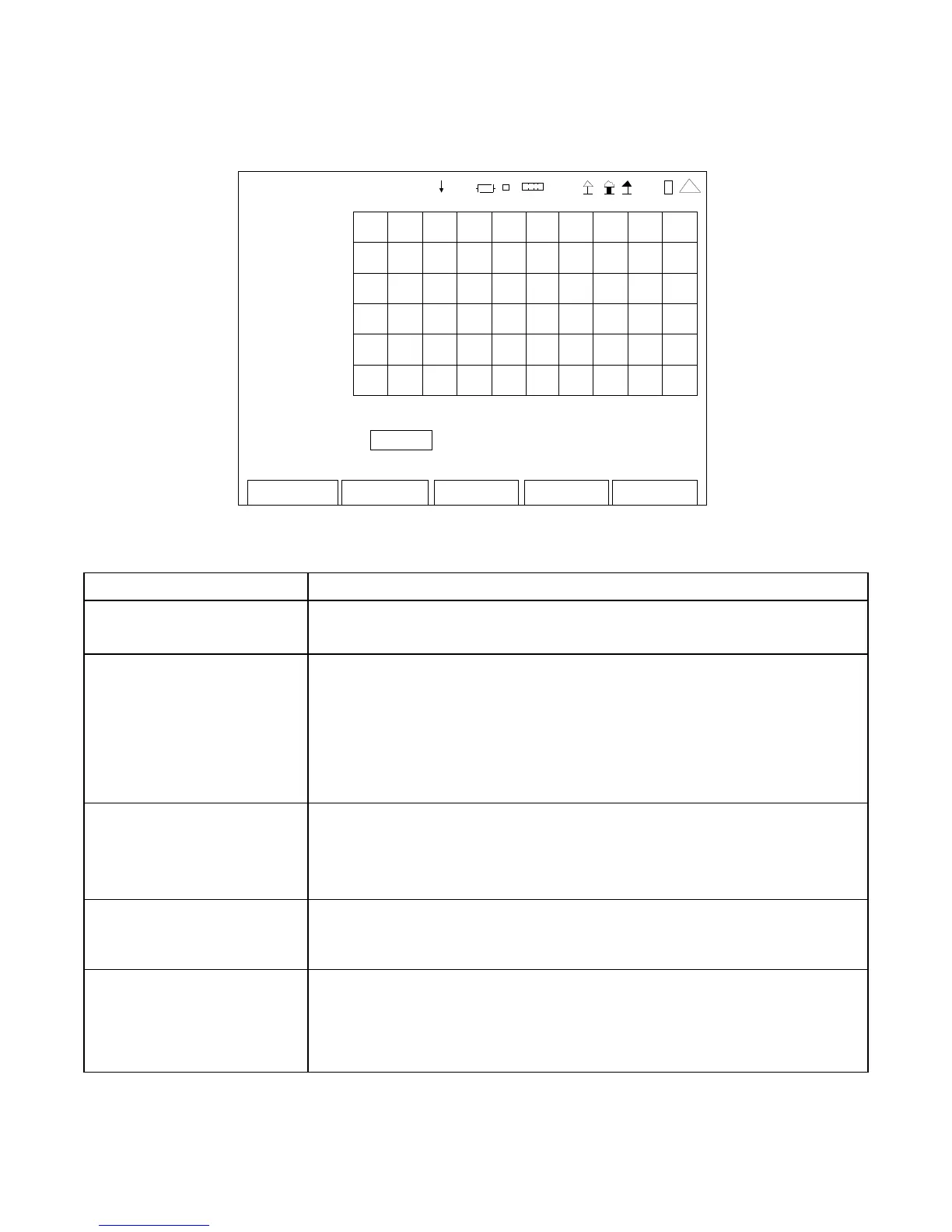
4-4-2. OSCILLOSCOPE SCREEN FEATURES AND FUNCTIONS (cont)
OSCIL LOSCOPE
3.0 0
>
V gggg
AC
-3.00
0. 0 mS 5.0
Trigger Type: Auto
Trigger L evel: 1.000 V Trigger Edge: Falling
Edit Return
Ho l d
Ma r ke r
41 20 29
(Trigger Mode)
SCREEN FEATURE FUNCTION
Trigger Type Used to select the Trigger Type.
Select: Auto or Norm
Trigger Level Used to adjust the Trigger position.
The Trigger level is compared to the input signal to determine if the
sweep should occur.
Select: -100.00 to +100.00 V in 0.01 V increments
-100% to +100% in 0.01% increments (Demod AM)
-100.00 to +100.00 kHz in 0.01 kHz increments (Demod FM)
Trigger Edge Used to select the Trigger Edge.
When the signal is compared to the Trigger level, the slope of the
signal determines if the Trigger occurs.
Select: Rising or Falling
F1 “Edit” / “Done” Edit Highlights the selected field to be changed or changes the
field value if the field only contains two selections.
Done Ends the Field Edit and saves the new setting / value.
F2 “Return” / “Save” Return Displays the System Menu (para 2-2-2)
Save Performs a data dump of frames displayed on the screen,
including configurations, readings and settings. The data
dump is stored in a time-stamped ASCII report and can be
retrieved at a later time.













 To Next Page