Subject to Export Control, see Cover Page for details. 4-21
4-4-2. OSCILLOSCOPE SCREEN FEATURES AND FUNCTIONS (cont)
Edit Return
Ho l d
Co ntr ol
OSCIL LOSCOPE
3.0 0
>
1 2
V gggg
AC
-3.00
0. 0 mS 5.0
Off Offset: 1.51 mSec Marker 1: -1.00 V
Move Left Right Marker 2: 1. 00 V
41 20 29
(Marker Mode)
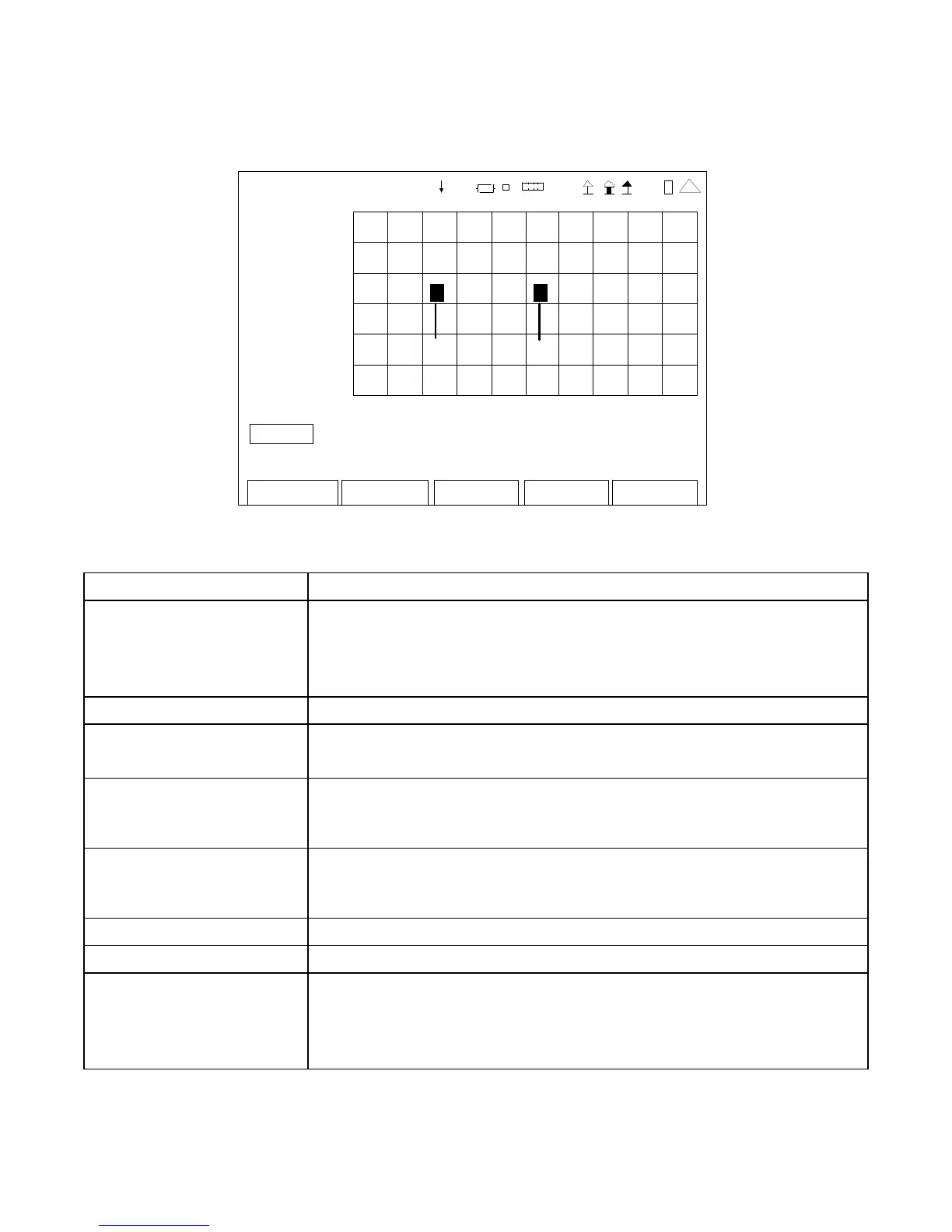
SCREEN FEATURE FUNCTION
Markers Used to display the Markers.
When Marker 1 or Marker 2 is displayed, then the movement controls
(Move, Left and Right) are active for the Markers.
Select: Off, Marker 1 or Marker 2
Offset Displays the Marker Delta in time.
Move Used to move the Marker in different time stop steps.
Select: Move x10, Move x50 or Peak
Left Used to move the position of the selected Marker to the left.
When selected, press the F1 “Enter” Key to move the selected Marker
to the left the increment selected in the Move field.
Right Used to move the position of the selected Marker to the right.
When selected, press the F1 “Enter” Key to move the selected Marker
to the right the increment selected in the Move field.
Marker 1 Displays the level of Marker 1.
Marker 2 Displays the level of Marker 2.
F1 “Edit” / “Enter” / Done” Edit Highlights the selected field to be changed or changes the
field value if the field only contains two selections.
Enter Moves the Marker the increment selected in the Move field.
Done Ends the Field Edit and saves the new setting / value.













 To Next Page