2-40 Subject to Export Control, see Cover Page for details.
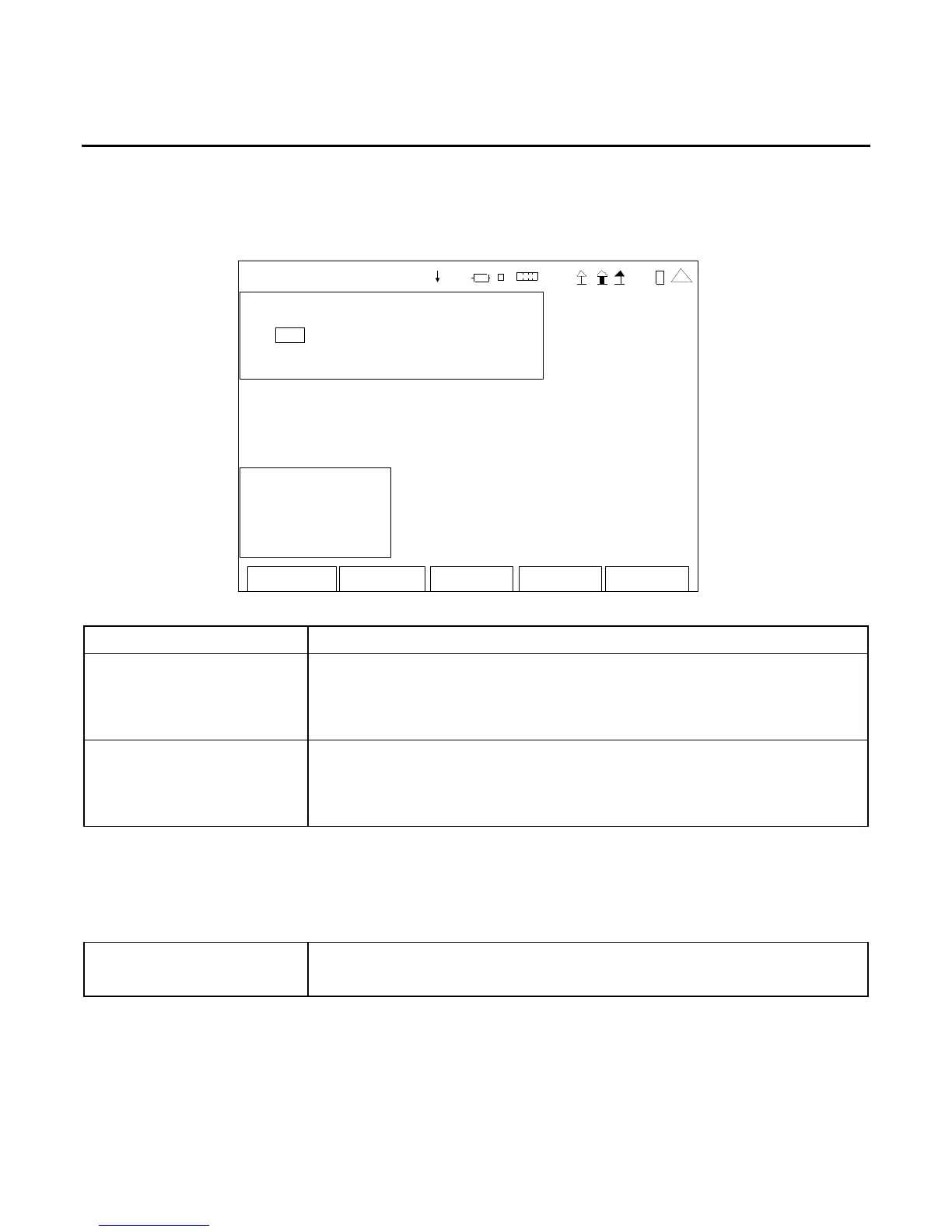
E. Audio Function Generator Test Screen
When the System Menu is displayed, press the 5 Key to access the Audio Function Generator Test
Screen.
The Audio Function Generator Test Screen utilizes the AUDIO Connector for signal output.
Edit
Return
Ho l d
Setu p
AF GE N
Fun ction Gene rator
Freq Le vel
# 1: On 1000.0 Hz 1.00 V rms
# 2: On 2400.0 Hz 1.00 V rms
Vo lume: 100
Sq uelch : -50 dB m
Sp eake r: A udio In
AudOut: A udio In
Sa ve Recal
l
41 20 29
SCREEN FEATURE FUNCTION
#1 (Function Generator) Used to select Function Generator #1.
Select: On or Off
Freq 0 to 20000 Hz in 0.1 Hz increments
Level 0.00 to 1.57 Vrms in 0.01 V increments
#2 (Function Generator) Used to select Function Generator #2.
Select: On or Off
Freq 0 to 20000 Hz in 0.1 Hz increments
Level 0.00 to 1.57 Vrms in 0.01 V increments
NOTE: The combined output level from both Function Generators cannot exceed 1.57 Vrms.
If the level of a selected Function Generator is set so the combined output level would
exceed 1.57 Vrms, then the output level of the unselected Function Generator is lowered
automatically.
Volume Used to select the Handset volume level.
Select: 0 to 100













 To Next Page