Subject to Export Control, see Cover Page for details. 2-51
D. Audio Level Meter Screen
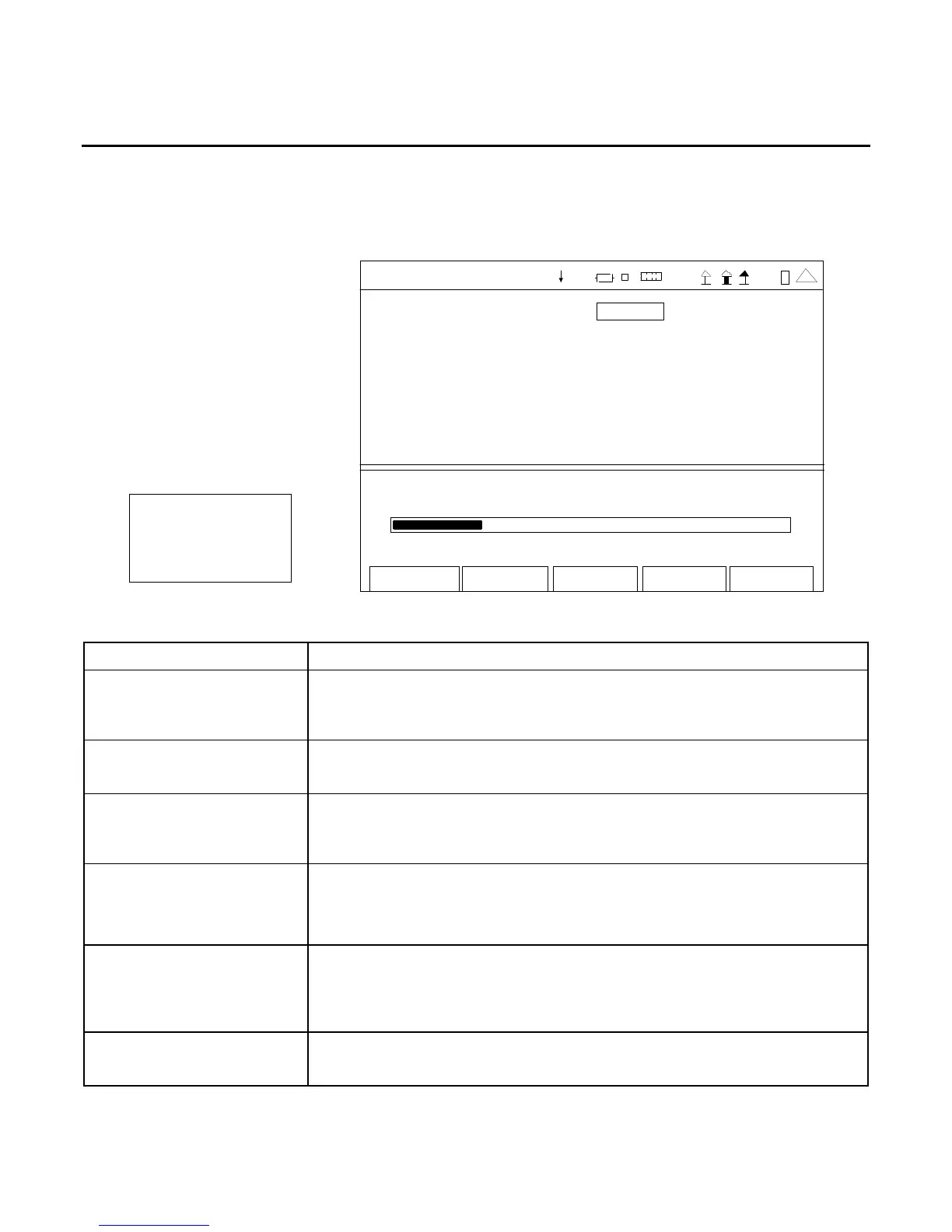
When the Meters Menu is displayed, press the 4 Key to access the Audio Level Meter Screen.
The Audio Level Meter Screen utilizes the AUDIO Connector, AUDIO IN Connector (3500A only) and
DVM Connector (3500A only) for signal input.
Au dio Level Au dio In
0.000 V
Edit
Return
Ho l d
AUDIO LE VEL METER
Source DVM
Detector RMS DivBy20 Off
Load High Z Ext Load 1
Range Auto
Unit V
Avg Reading 1
Li mit s Vol ts St at e
Lower 0.0 Of f
Upper 50.0 Off
11. 400
0 .0 V 50.0
41 20 29
(MINI-METER)
SCREEN FEATURE FUNCTION
Source Used to select the Audio Level Meter input source on the Audio Level
Meter Screen and/or the Audio Level Meter Mini-Meter.
Select: Audio In or DVM
Detector Used to select the measurement type.
Select: Peak+, Peak-, PK2PK or RMS
DivBy20 Used to select the divide-by-20 function on the output level (DVM
only)
Select: On or Off
Load
Used to select the Audio input signal load (Ω ).
Select: Audio In 150, 600, 1K (3500A), Div10 (3500A) or High Z
DVM High Z
Ext Load Used to select the impedance of an external load. The selected
impedance value is used to calculate power when the Unit Field is set
to dBm or Watts.
Select: 1 to 90000 Ω in 1 Ω increments
Range Used to select the meter range.
Select: Auto, 0-0.1V, 0-0.2V, 0-0.5V, 0-1V or 0-3.5V













 To Next Page