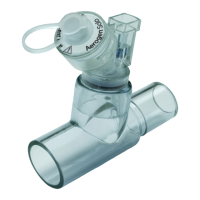
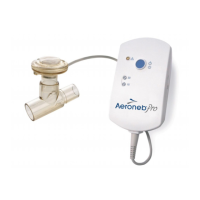
Aeroneb
®
Professional Nebulizer System Instruction Manual 11
Table 2: Aeroneb Pro controls and indicators
Green (steadily lit) = 15 minute
nebulization cycle on
Green (flashing) = Low battery power
Nebulizer unit automatically powers
off after 15 minutes have elapsed
Green (steadily lit) = 30 minute
nebulization cycle on
Green (flashing) = Low battery power
Nebulizer unit automatically powers
off after 30 minutes have elapsed
Amber = Faulty electrical connection
Pressing and immediately releasing
selects the 15 minute nebulization
cycle
Pressing and holding for at least three
seconds selects the 30 minute
nebulization cycle
Pressing during nebulization turns off
power to the nebulizer
Green = Battery fully charged
Amber = Battery charging
No light = Battery in operation


 To Next Page