Need help?
Do you have a question about the Aeware in.k450 and is the answer not in the manual?
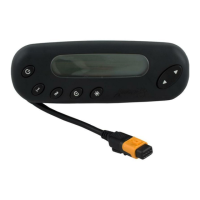
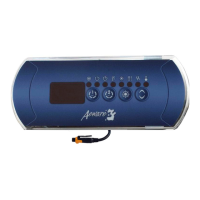
Provides a precise drilling template with dimensions for keypad installation.
Details the steps for installing the keypad using the adhesive gasket and securing it.
Illustrates how to connect the in.k450 keypad to the in.xe spa system.
Provides descriptions for various error codes encountered in in.xm and in.xe systems.
Details error codes related to hardware, water flow detection, and temperature probes.
Describes error codes indicating problems with pumps, blowers, fans, and ozonators.
 General
| Device Type | Keypad |
|---|---|
| Model | in.k450 |
| Display | LCD |
| Key Switch Type | Membrane |
| Keycap Material | Plastic |
| Brand | Aeware |

 To Next Page