17
in.k600™
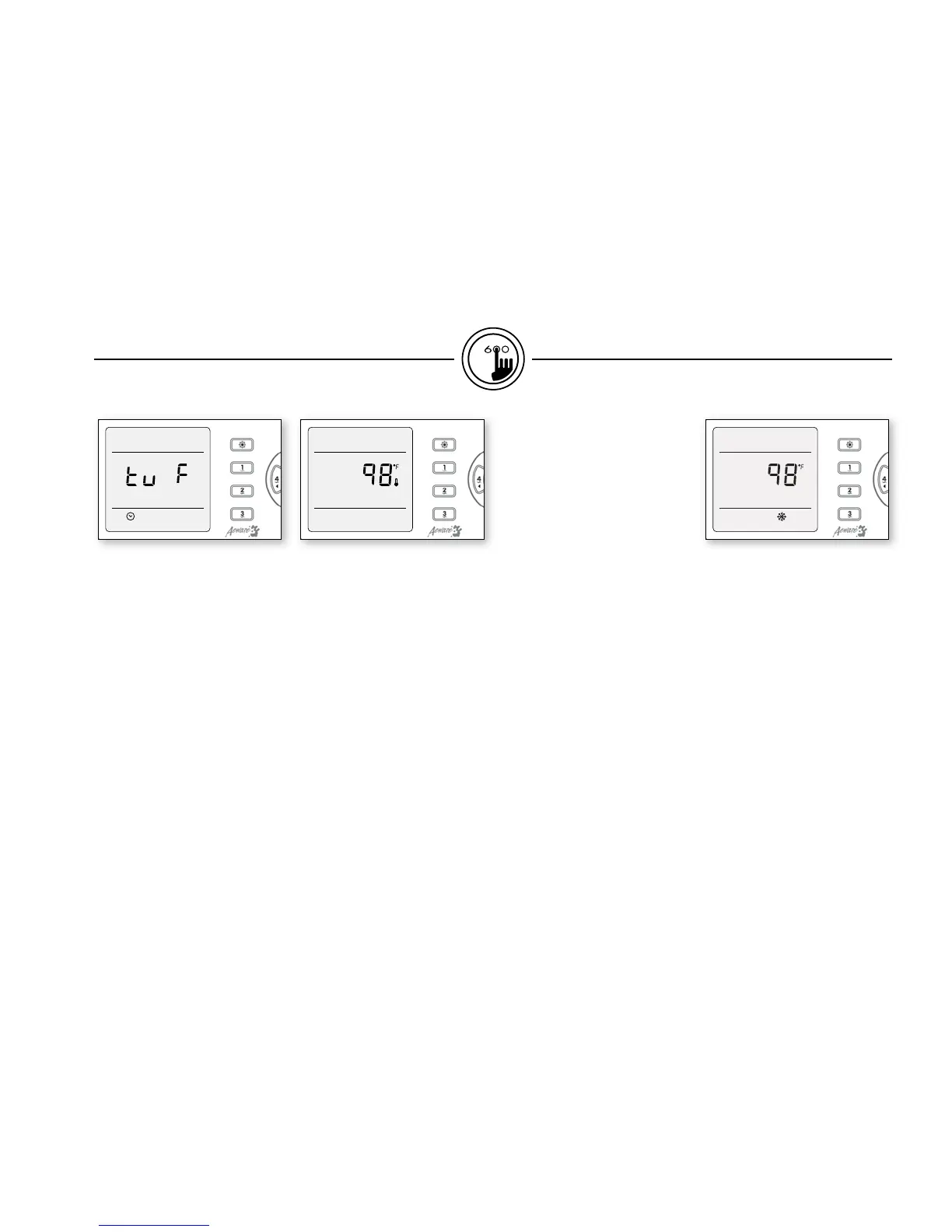
Setting temperature unit
Water temperature can be
displayed in either Fahrenheit
(˚F) or Celsius (˚C).
Press Prog. key an nineth time.
The display will show either
˚F or ˚C.
Use (
+) or (-) key to change
setting.
Press Prog. key a last time to go
back to normal mode.
Water temperature regulation
In a regulation cycle, the system
first generates water flow
through the heater housing
and the plumbing, in order
to ensure accurate water
temperature readings as well as
avoiding heater activation in dry
conditions.
After verifying pump activation
and taking a water temperature
reading if required, the system
automatically turns the heater
on to reach and maintain water
temperature at Set Point.
Cooldown
While performing these tasks,
the heater is not allowed to
turn on and its icon flashes.
The heater is not allowed also
to come on throughout the
cool down period of the heater
element.
Smart Winter Mode
Our Smart Winter Mode
protects your system from
the cold by turning pumps on
several times a day to prevent
water from freezing in pipes.
functions


 To Next Page